Best Gaming Monitors Under $300 2026
Four picks from $169 to $279 that deliver real 1440p gaming without the enthusiast-tier price tag. Expert picks, pros and cons, and side-by-side comparisons...
As an Amazon Associate we earn from qualifying purchases made through our links — this doesn't affect our picks.
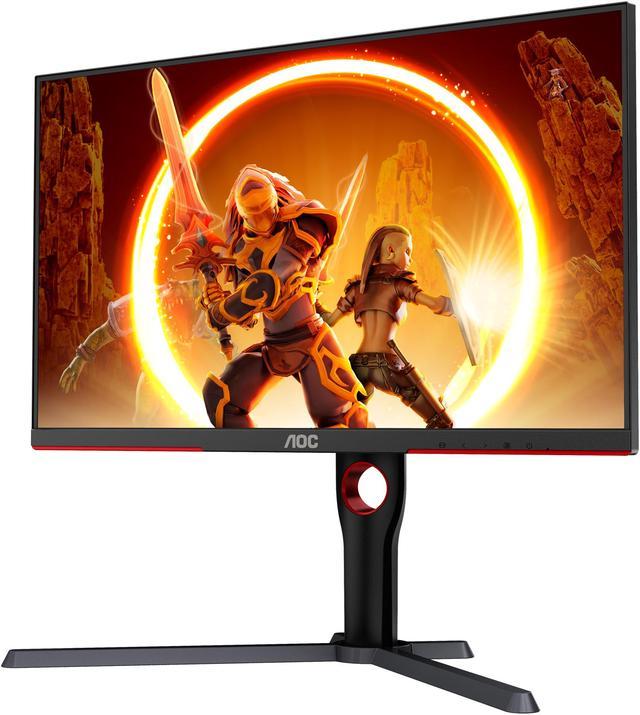
AOC Q27G3XMN 27-inch QHD Mini-LED Gaming Monitor
Our top recommendation for this category
Price as of Aug 13, 2026 — see current price on Amazon.
Three years ago, $300 bought you a decent 1080p monitor and not much else. Today that same budget gets you 1440p resolution, 165Hz to 240Hz refresh rates, and in one case a genuine Mini-LED backlight. The gap between a $300 monitor and a $500 one has narrowed to the point where most people honestly can't justify going higher unless they specifically need OLED or high-end HDR.
These are the four monitors actually worth buying at this price in 2026. Not just spec sheet winners. Picks that deliver good experiences when you're actually using them.
Quick Picks
| Monitor | Price | Size | Resolution | Refresh Rate | Panel | |
|---|---|---|---|---|---|---|
| AOC Q27G3XMN | $279 | 27-inch | 1440p | 180Hz | Mini-LED VA | Check Price |
| ASUS TUF VG27AQ1A | $229 | 27-inch | 1440p | 170Hz | IPS | Check Price |
| INNOCN 25G2S | $169 | 24.5-inch | 1440p | 240Hz | Fast IPS | Check Price |
| KTC H27T22S | $179 | 27-inch | 1440p | 180Hz | Fast IPS | Check Price |
AOC Q27G3XMN 27" QHD Mini-LED Gaming Monitor
AOC Q27G3XMN 27-inch QHD Mini-LED Gaming Monitor
Pros
- Mini-LED local dimming at this price is genuinely rare
- 180Hz keeps up with most gaming scenarios
- DisplayHDR 1000 certification with real peak brightness
- Solid build quality for the price
Cons
- VA panel has slower pixel response than IPS competitors
- Viewing angles are noticeably worse than IPS
- Larger desk footprint due to the stand
Price as of Aug 13, 2026 — see current price on Amazon.
The AOC Q27G3XMN is the most interesting monitor in this roundup and it's not particularly close. Mini-LED backlighting at $279 is something that would have cost you $600 two years ago. The local dimming system actually works. You get real contrast improvement in dark scenes, not just the marketing version of HDR.
It runs a VA panel, which means the contrast ratio is genuinely impressive at around 3000:1. Colors look punchy and deep blacks are real, not simulated. The tradeoff is that fast pixel transitions on a VA can produce some smearing in very dark, fast-motion sequences. For most game types, including RPGs, open-world games, and even most competitive shooters, you won't notice it.
Its 180Hz refresh rate sits comfortably between the 165Hz crowd and the high-Hz competitive monitors. Paired with FreeSync Premium Pro and G-Sync compatibility, tearing is a non-issue with any modern GPU. At $279, this is the pick if you want the best all-around package and you're not obsessively focused on competitive FPS.
ASUS TUF Gaming VG27AQ1A 27" QHD Monitor
ASUS TUF Gaming VG27AQ1A 27-inch QHD 170Hz Monitor
Pros
- IPS panel delivers accurate colors out of the box
- 170Hz is smooth across all game types
- ASUS build quality holds up over time
- G-Sync and FreeSync compatible
Cons
- HDR implementation is mediocre at best
- Stand only tilts, no height adjustment on base model
- Not as bright as the Mini-LED AOC
Price as of Aug 13, 2026 — see current price on Amazon.
The ASUS TUF VG27AQ1A has been a staple recommendation for a reason. IPS panels at 1440p give you wide viewing angles, fast pixel response times around 1ms (GtG), and colors that look accurate without any manual calibration. At $229 it's $50 cheaper than the AOC and the IPS panel genuinely matters for how it handles fast motion.
Where the AOC wins on contrast and HDR, the ASUS wins on response time and consistency. The IPS glow is present (it always is), but dark-scene performance is predictable in a way that lets you actually game without worrying about weird artifacts in shadow areas. If you play a lot of fast-paced games where motion clarity beats HDR pop, this is the one to get.
ASUS ships this with Extreme Low Motion Blur Sync, which combines the backlight strobing with variable refresh for sharper visuals during fast pans. It's not perfect, but it's a step above nothing. At $229, the ASUS is the straightforward IPS recommendation for this price range.
INNOCN 25G2S 24.5" QHD 240Hz Gaming Monitor
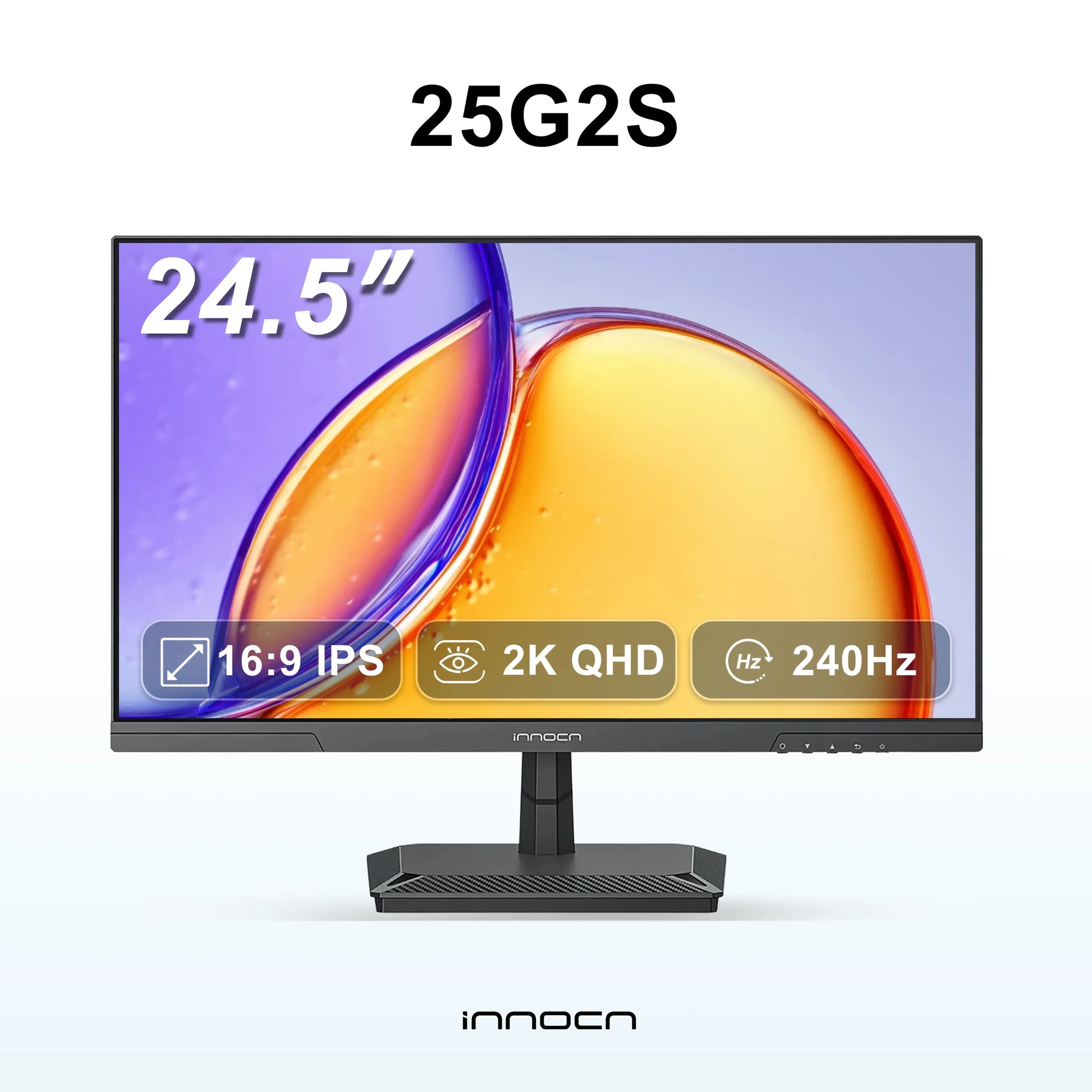
INNOCN 25G2S 24.5-inch QHD 240Hz Gaming Monitor
Pros
- 240Hz at 1440p for $169 is the standout value in this list
- Fast IPS panel handles motion better than VA
- More compact 24.5-inch size suits smaller desks
- Consistent factory calibration
Cons
- 24.5-inch feels small if you're coming from a 27-inch setup
- INNOCN is a newer brand with less of a track record
- No HDR worth mentioning
Price as of Aug 13, 2026 — see current price on Amazon.
Look, 240Hz at 1440p for $169 shouldn't exist. But here we are in 2026 and INNOCN is selling exactly that. It is a lesser-known brand, and the 25G2S mostly earns its place. The Fast IPS panel delivers the response times you'd expect from a competitive gaming display, and it ships with consistent factory calibration.
The 24.5-inch size is the honest limitation here. Coming from a 27-inch setup, you'll notice the smaller footprint immediately. Competitively-focused players who sit close to their display won't care at all. If you play at normal desktop distance and you're used to 27 inches, it'll feel cramped.
For first-person shooters and competitive games where refresh rate matters more than screen real estate, the INNOCN 25G2S is the strongest value in this entire list. It's $110 cheaper than the AOC and matches or beats it on raw motion clarity. The brand risk is real, but the return window exists for a reason.
KTC H27T22S 27" QHD 180Hz Fast IPS Monitor
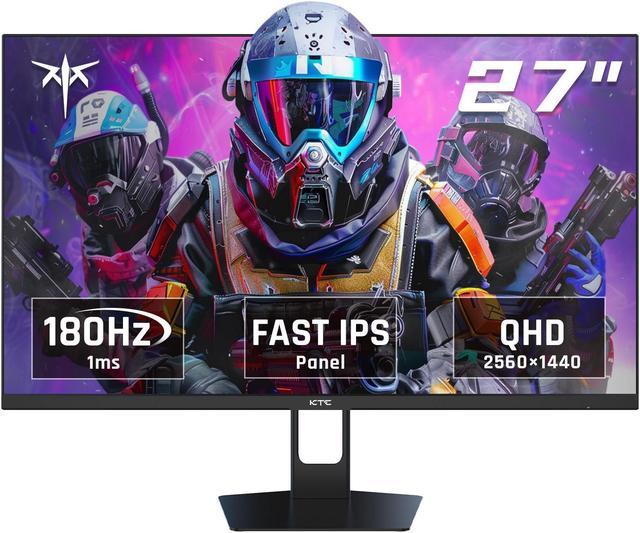
KTC H27T22S 27-inch QHD 180Hz Fast IPS Gaming Monitor
Pros
- 27-inch Fast IPS 1440p 180Hz for $179 is hard to argue with
- Better viewing angles than VA competitors at this price
- Full ergonomic stand with height, tilt, swivel
Cons
- KTC has minimal brand history in North America
- Customer support is limited compared to ASUS or Samsung
- Color accuracy is decent but not exceptional out of box
Price as of Aug 13, 2026 — see current price on Amazon.
The KTC H27T22S answers a simple question: what's the cheapest way to get a 27-inch Fast IPS 1440p monitor with 180Hz? Right now the answer is $179, which is a weird amount of value for these specs. The Full IPS panel means no VA smearing, wide viewing angles, and 1ms GtG response times that competitive players actually want.
The catch is the brand. KTC is a Chinese panel manufacturer that makes displays for a lot of companies under house brands. They know how to build panels. The retail experience, warranty support, and long-term customer service are where they lag behind ASUS or Samsung significantly. If something goes wrong two years from now, you're going to have a harder time getting help.
That said, the H27T22S has a full ergonomic stand with height adjustment, tilt, and swivel. That feature set is usually reserved for monitors in the $250 range and higher. For a secondary monitor, a dorm setup, or a first PC gaming monitor where budget is the priority, it's an easy recommendation. Just buy it from somewhere with a good return window.
What to Look For in a Gaming Monitor Under $300
Resolution: Just Get 1440p Now
1080p at 27 inches looks noticeably soft in 2026. Every monitor in this list runs 2560x1440, which is the real sweet spot for most gaming GPUs. You're not pushing 8 million pixels like 4K, so frame rates stay high, but you're getting meaningfully more detail than 1080p. A mid-range GPU like the RX 9060 XT or RTX 5060 handles 1440p gaming at high frame rates without breaking a sweat.
Refresh Rate Matters More for Some Games Than Others
The difference between 165Hz and 240Hz is real but context-dependent. In fast-paced first-person shooters like CS2 or Valorant, the extra Hz gives you a clearer picture during fast turns and makes micro-adjustments easier. In single-player RPGs, open-world games, or strategy titles, 165Hz and 240Hz feel essentially identical. Pick based on what you mostly play.
IPS vs VA: The Eternal Debate
IPS panels offer better viewing angles and faster pixel response times. VA panels offer higher native contrast ratios, meaning deeper blacks and more punch in dark scenes. At $300, neither panel type is definitively better. If you mostly play dark, atmospheric games or watch movies on your monitor, VA contrast ratio is worth the response time tradeoff. If you play competitive games or do color work alongside gaming, IPS is the cleaner choice.
Size and Viewing Distance
27 inches is the standard recommendation at 1440p because the pixel density (about 109 PPI) looks crisp at normal desk distances. A 24.5-inch 1440p monitor at the same distance looks even sharper, which is why competitive players like smaller screens. Anything larger than 27 inches at 1440p starts to show pixel-level softness if you sit close, and most people's desks don't have the depth for comfortable 32-inch viewing anyway.
Connectivity That Actually Matters
For PC gaming, DisplayPort 1.4 handles 1440p up to 360Hz without compression. HDMI 2.0 handles 1440p at 144Hz, which is fine. HDMI 2.1 matters only if you're connecting a PlayStation 5 or Xbox Series X and want high-refresh gaming. All four monitors in this list have DisplayPort 1.4. Check HDMI version if you're console gaming.
Frequently asked questions
- Is 1440p worth it for gaming monitors under $300?
- Yes, without question. Every monitor in this list runs 2560x1440, and 1080p at this price point no longer makes sense. You get meaningfully more detail and the pixel density at 27 inches (109 PPI) looks noticeably sharper than 1080p. Mid-range GPUs like the RTX 5060 and RX 9060 XT handle 1440p gaming at 100+ FPS in most titles without issue.
- What's the difference between IPS and VA panels for gaming?
- IPS panels have faster pixel response times (1ms GtG) and wide viewing angles. VA panels have higher native contrast ratios, typically 3000:1 vs 1000:1 for IPS, which means darker blacks and more visual pop in dark scenes. For competitive gaming, IPS edges out VA on motion clarity. For single-player games with dramatic lighting, VA contrast is often more satisfying. At $300 you'll find both; the choice depends on your game library.
- Do I need 240Hz for gaming?
- Only if you're seriously competitive in fast-paced FPS games. In CS2, Valorant, and Apex Legends, the jump from 165Hz to 240Hz provides a measurable improvement in motion clarity and reaction timing. In most single-player games, open-world titles, or RPGs, 165Hz and 240Hz feel identical in practice. If you mostly play one type of game, let that guide the decision.
- Are INNOCN and KTC reliable monitor brands?
- Both are Chinese panel manufacturers that sell direct-to-consumer at prices below Western brands. INNOCN has been selling monitors in North America for several years and has a reasonable track record. KTC is newer to the retail market. Both offer return windows on Amazon, which is your real safety net. The build quality is generally solid, but customer support and warranty service are weaker than ASUS or Samsung. For a primary monitor you plan to keep for 5 years, the brand-name options provide more peace of mind.
- Does the AOC Q27G3XMN Mini-LED actually make a difference?
- Yes, noticeably so in dark-scene gaming. Mini-LED local dimming lets the backlight dim in dark areas of the screen independently, which produces deeper blacks without crushing the whole image. In games with high contrast scenes, like horror titles or space games, the AOC looks distinctly better than standard LED monitors. The improvement in everyday gaming is more subtle but still present. The catch is the VA panel underneath, which is slower than IPS for very fast motion.
- Which of these monitors works best with a PlayStation 5?
- The AOC Q27G3XMN is the best PS5 pick here, because its Mini-LED contrast suits the console's cinematic single-player games. The PS5 outputs 1440p at up to 120Hz, and HDMI 2.0 carries 1440p at that rate, so you don't need HDMI 2.1 for it. If you mostly play fast shooters on the console, the INNOCN 25G2S names PS5 support on its Amazon listing. Whichever you pick, check the spec sheet for the refresh rate it accepts over HDMI, since some monitors only reach their top refresh over DisplayPort.
Bottom Line
For most people upgrading their gaming setup in 2026, the AOC Q27G3XMN is the right answer at $279. Mini-LED local dimming at this price is genuinely unusual, the 180Hz refresh rate covers the majority of gaming scenarios, and it's a monitor you'll still be happy with in three years. If you're on a tighter budget or you play competitive shooters primarily, the INNOCN 25G2S at $169 is the smarter spend, and it's the cheapest monitor on this list. 240Hz at 1440p for that price is rare value. Skip the ASUS only if you don't care about IPS accuracy; it's a proven platform but the other options offer better value at current pricing.
How We Pick
We pick products by combining spec-level research, price checks, trusted third-party benchmarks, and owner sentiment from high-signal sources.
- Performance and real-world value in the category this guide targets
- Price-to-performance and deal consistency over recent pricing windows
- Build quality, reliability patterns, and known long-term issues
- Recommendation refresh cadence to keep these picks current
Author
TheTechSearch Editorial Team
Independent product reviewers & PC builders
We compare real-world specs, reviews and owner reports, price trends, and user feedback to recommend gear that actually makes sense to buy.