Best Monitors Under $300 2026
The best monitors under $300 for gaming, work, and everyday use. All 1440p, all compared on color accuracy, response time, and build quality. Expert picks, p...
As an Amazon Associate we earn from qualifying purchases made through our links — this doesn't affect our picks.
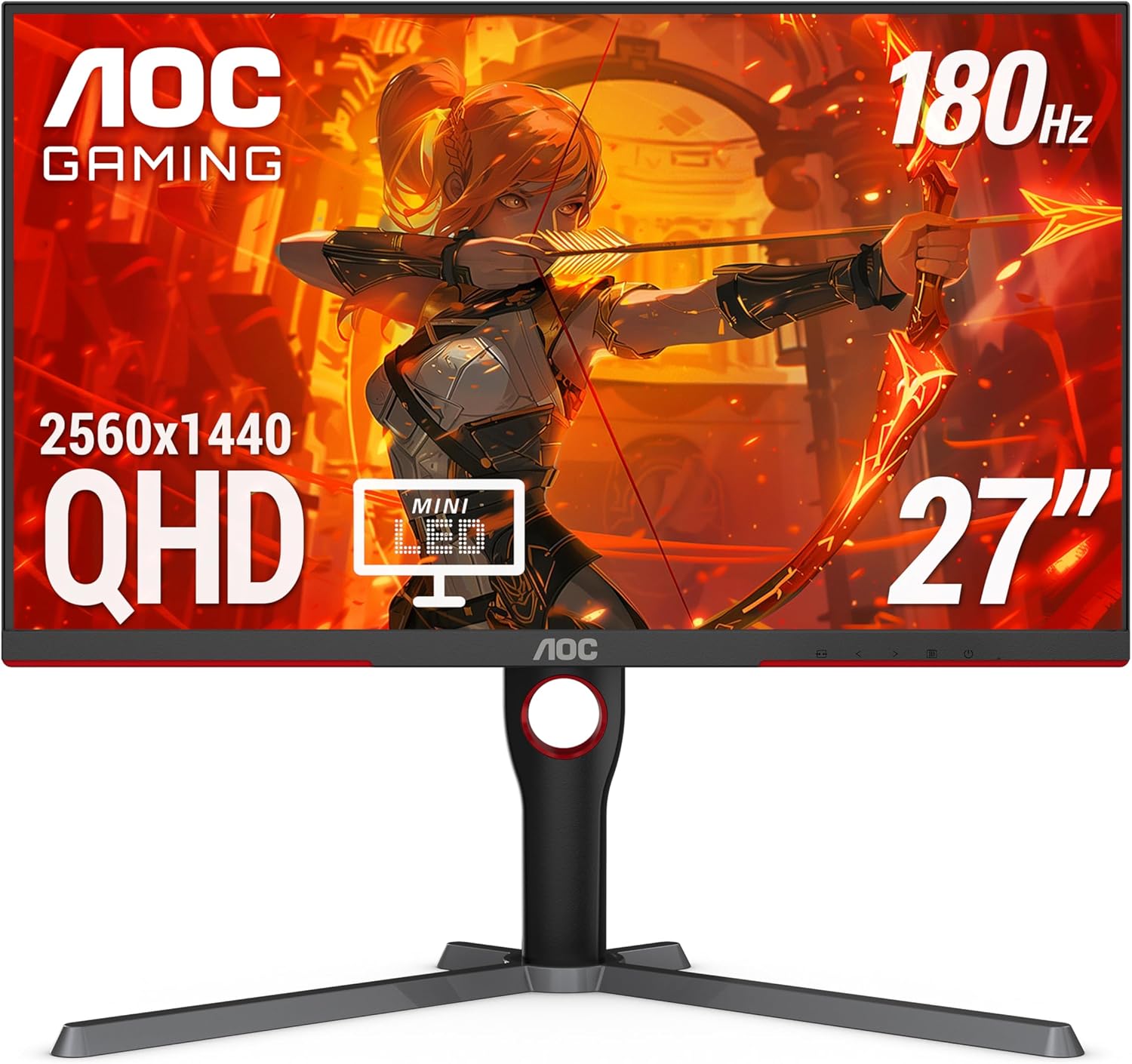
AOC Q27G3XMN 27-Inch QHD Mini LED
Our top recommendation for this category
Price as of Mar 2, 2026 — see current price on Amazon.
The $300 monitor market hit a sweet spot in 2026. Two years ago, getting a 1440p panel with a fast refresh rate and decent color accuracy under $300 meant serious compromises. Now, nearly every monitor in this price range delivers QHD resolution, 165Hz or higher refresh rates, and color accuracy good enough for casual photo and video work.
This guide judges five monitors on two jobs: work during the day (code, spreadsheets, documents, design) and gaming at night (competitive shooters, RPGs, racing games). A monitor that looks great for gaming but washes out text is not a good monitor. These all handle both.
Quick comparison
| Monitor | Resolution | Refresh Rate | Panel | HDR | Price | |
|---|---|---|---|---|---|---|
| AOC Q27G3XMN | 2560x1440 | 180Hz | Mini LED | HDR 1000 | $250 | Check Price |
| LG 27GR75Q-B | 2560x1440 | 165Hz | IPS | HDR10 | $279.99 | Check Price |
| Samsung Odyssey G5 | 2560x1440 | 165Hz | VA | HDR10 | $260 | Check Price |
| Dell S2722DGM | 2560x1440 | 165Hz | VA | None | $280 | Check Price |
| ASUS TUF VG27AQ3A | 2560x1440 | 180Hz | Fast IPS | HDR10 | $300 | Check Price |
AOC Q27G3XMN
AOC Q27G3XMN 27-Inch QHD Mini LED
Pros
- Mini LED backlight with 1,000+ local dimming zones
- HDR 1000 certification is real, not marketing fluff
- 180Hz refresh rate with 1ms response time
- 137.5% sRGB coverage for vibrant colors
- Under $250 regularly on sale
Cons
- Stand is basic with tilt only, no height adjustment
- Local dimming halo artifacts visible in very dark scenes
- Mediocre built-in speakers
- OSD navigation buttons instead of joystick
Price as of Mar 2, 2026 — see current price on Amazon.
The AOC Q27G3XMN should not exist at this price. Mini LED backlighting with over 1,000 dimming zones, HDR 1000 certification, 1440p, 180Hz, all for $250. A year ago, these specs would cost $500 or more.
The Mini LED backlight is the star feature. Over 1,000 local dimming zones mean bright highlights in HDR content pop without blowing out the entire screen. In games like Cyberpunk 2077 with HDR enabled, neon signs glow against dark city backgrounds with a level of contrast that IPS and standard VA panels simply cannot produce. Standard HDR10 monitors fake it with a full-screen backlight boost. This one dims and brightens individual zones.
The 137.5% sRGB coverage means colors are vivid without needing to switch to a dedicated color mode. For photo editing and design work, you would want to calibrate it and use an sRGB clamp mode, but for general use and gaming, the out-of-box color is excellent.
The weak point is the stand. Tilt-only adjustment means you cannot raise or lower the screen, which is a problem if your desk setup requires a specific height. A $30 VESA monitor arm solves this, but it should not be necessary on a monitor this good.
For gaming, 180Hz at 1440p with 1ms response time and Adaptive Sync means smooth, tear-free gameplay on both AMD and Nvidia GPUs. If you want to pair this with a capable GPU, check our best budget PC builds guide.
LG 27GR75Q-B UltraGear
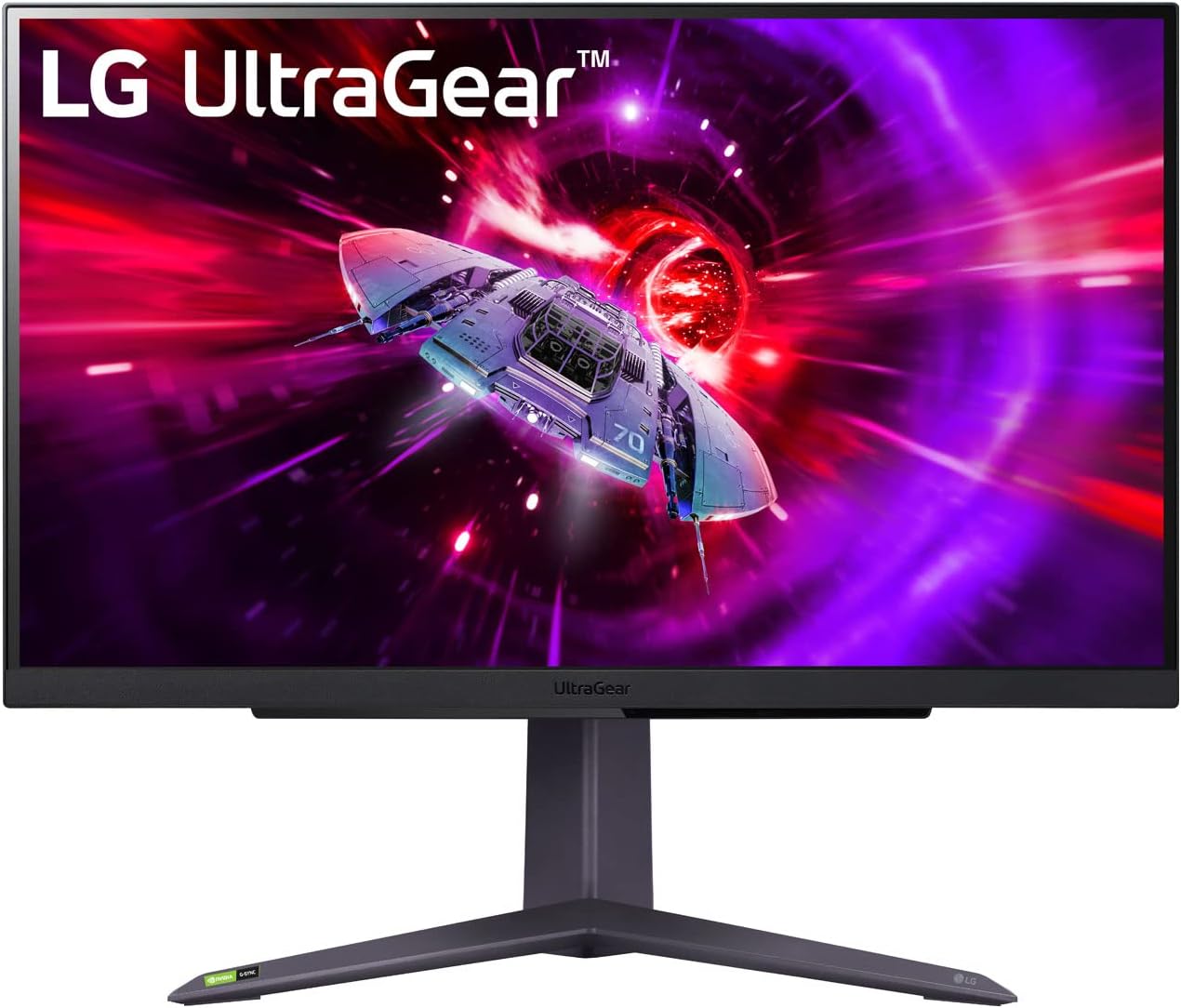
LG 27GR75Q-B UltraGear
Pros
- IPS panel with wide viewing angles
- 99% sRGB coverage out of the box
- 165Hz with 1ms GtG response time
- Height, tilt, and pivot adjustable stand
- G-SYNC compatible and FreeSync
Cons
- HDR10 is basic, not true HDR performance
- Contrast ratio is typical IPS (1000:1)
- No USB hub or USB-C input
- Black levels are average
Price as of Mar 2, 2026 — see current price on Amazon.
The LG 27GR75Q-B is the best all-rounder at this price. The IPS panel provides wide viewing angles, which matters if you are not sitting perfectly centered or if you occasionally share your screen with someone sitting next to you. Colors stay accurate from off-axis, which VA panels cannot match.
99% sRGB coverage out of the box means the colors you see in documents, photos, and web design work are accurate without calibration. For professional photo or video work you would still calibrate, but for everyday accuracy, it is ready to go.
The fully adjustable stand is a significant advantage at $279.99. Height, tilt, and pivot adjustment let you position the screen at the ergonomically correct height without buying a separate arm. Most monitors at this price cheap out on the stand, offering tilt only.
Gaming performance is solid at 165Hz with 1ms response time. It is both G-SYNC compatible and FreeSync certified, so it works with any GPU. The IPS panel means slightly worse blacks than VA alternatives, which is noticeable in dark game scenes and movie watching but acceptable for most people.
Samsung Odyssey G5
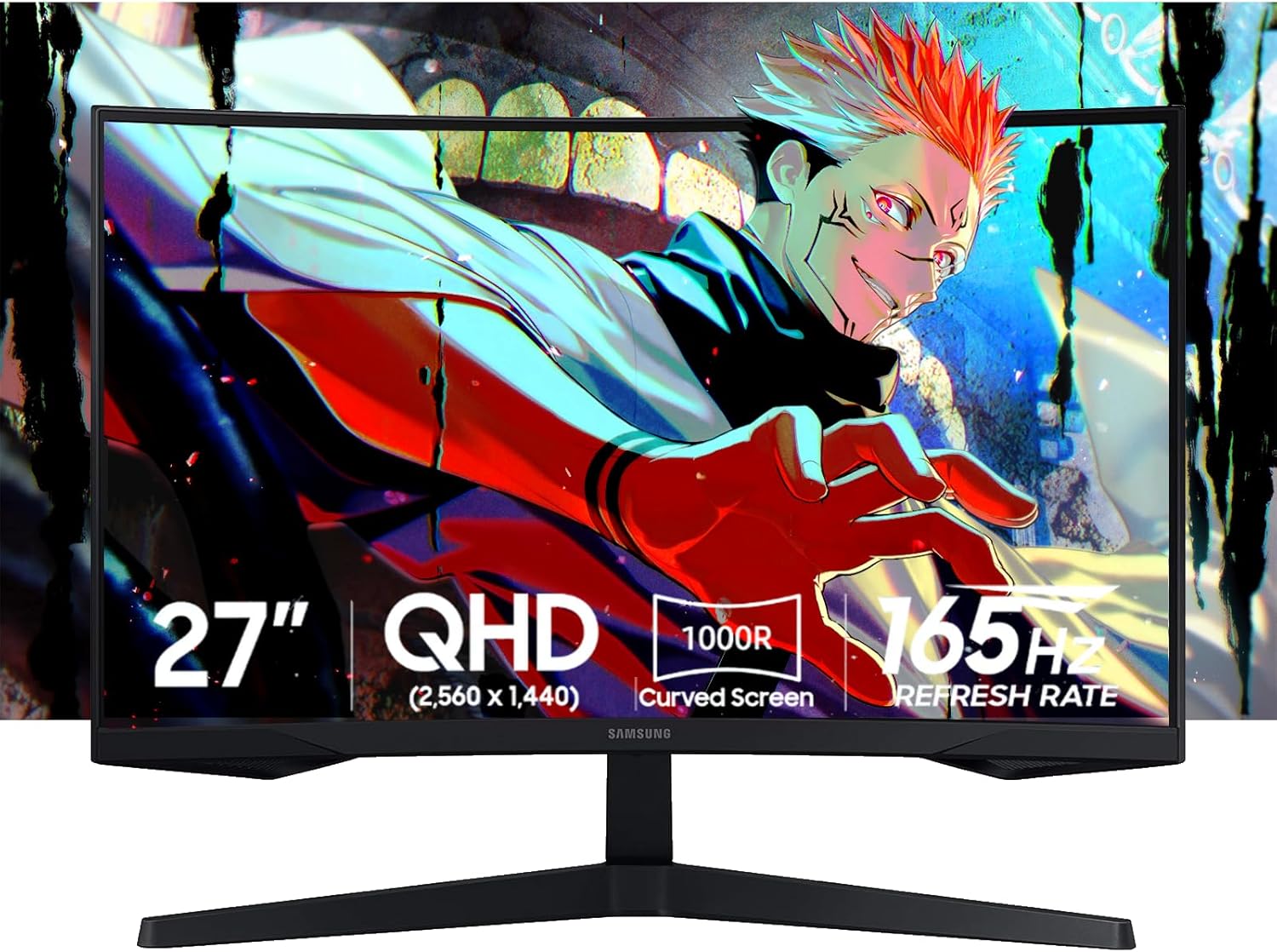
Samsung Odyssey G5 27-Inch QHD Curved
Pros
- 1000R curve is immersive for gaming
- VA panel delivers 3000:1 contrast ratio
- Deep blacks make dark scenes look great
- 165Hz with FreeSync Premium
- Eye Saver mode reduces blue light
Cons
- Curved panel can distort straight lines for design work
- Slower pixel response than IPS at 1ms
- Narrower viewing angles than IPS
- No height adjustment on stand
Price as of Mar 2, 2026 — see current price on Amazon.
The Odyssey G5 is Samsung's affordable curved gaming monitor, and the 1000R curve radius is aggressive enough to actually feel immersive rather than gimmicky. At 27 inches, the curve wraps slightly into your peripheral vision during gaming, which creates a more enveloping experience than a flat panel.
The VA panel delivers 3000:1 contrast ratio, which is 3x better than typical IPS panels. The difference is most visible in dark content: black bars in movies are actually black, dark game environments have depth and detail, and shadow rendering looks natural. If you primarily play atmospheric or dark-themed games, VA contrast makes a bigger visual difference than higher refresh rates.
The trade-off is pixel response time. While Samsung rates it at 1ms, real-world transitions are slower than IPS, particularly in dark-to-light transitions. In fast-paced competitive shooters, you may notice slight smearing behind fast-moving objects. For single-player games, RPGs, and racing games, it is not an issue.
The curve is a dealbreaker for some work tasks. Straight lines in spreadsheets and code editors appear slightly bowed at the edges. If you spend most of your day in those applications, a flat panel is a better choice. If you primarily game and browse, the curve adds to the experience.
Dell S2722DGM
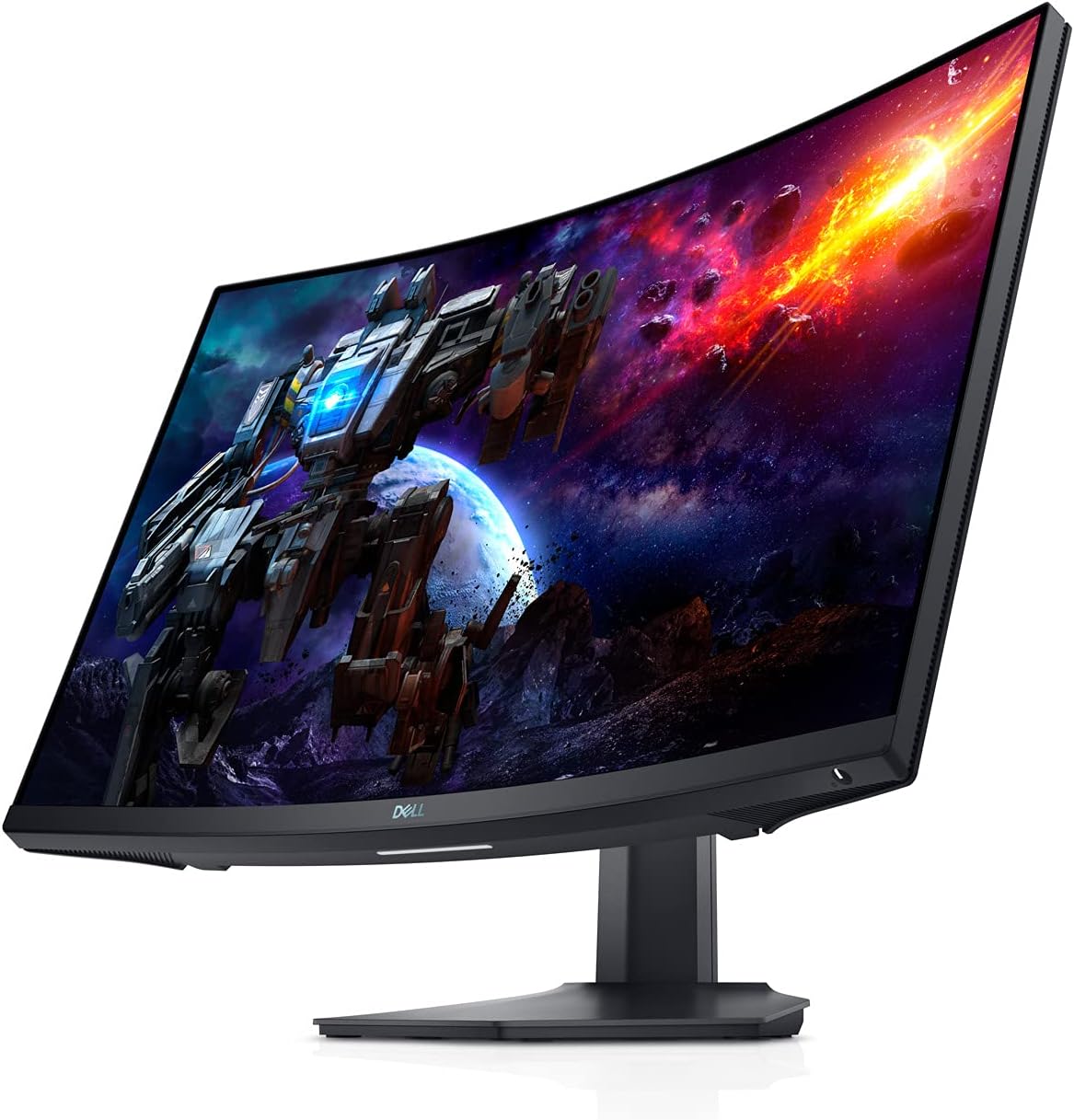
Dell S2722DGM 27-Inch QHD Curved
Pros
- Dell build quality and 3-year warranty
- 1500R gentle curve is subtle for work
- VA panel with 3000:1 contrast
- 165Hz with FreeSync Premium
- Height, tilt adjustable stand
Cons
- No built-in speakers
- $280 is close to the $300 ceiling with less features than AOC
- 1500R curve is less immersive than 1000R
- Limited to HDMI 2.0 and DP 1.2
Price as of Mar 2, 2026 — see current price on Amazon.
The Dell S2722DGM is the safe pick. Dell monitors have a reputation for reliability, the 3-year warranty is better than most competitors, and the 1500R curve is gentle enough that it works for both gaming and productivity without distorting straight lines noticeably.
The VA panel matches the Samsung's 3000:1 contrast ratio with similar black levels. Colors are accurate at factory settings with roughly 98% sRGB coverage. It will not wow you the way the AOC's Mini LED backlight does, but it handles everyday work and gaming without any glaring weaknesses.
The height-adjustable stand is a nice touch at $280, matching the LG's adjustability. Build quality feels solid with minimal wobble, which is a common complaint with cheaper monitor stands.
At $280, it costs the same as the LG and $30 more than the AOC, without matching the AOC Q27G3XMN's feature set at $250. The main reasons to choose it over the AOC are Dell's warranty support and the gentler curve that works better for mixed work-and-gaming use.
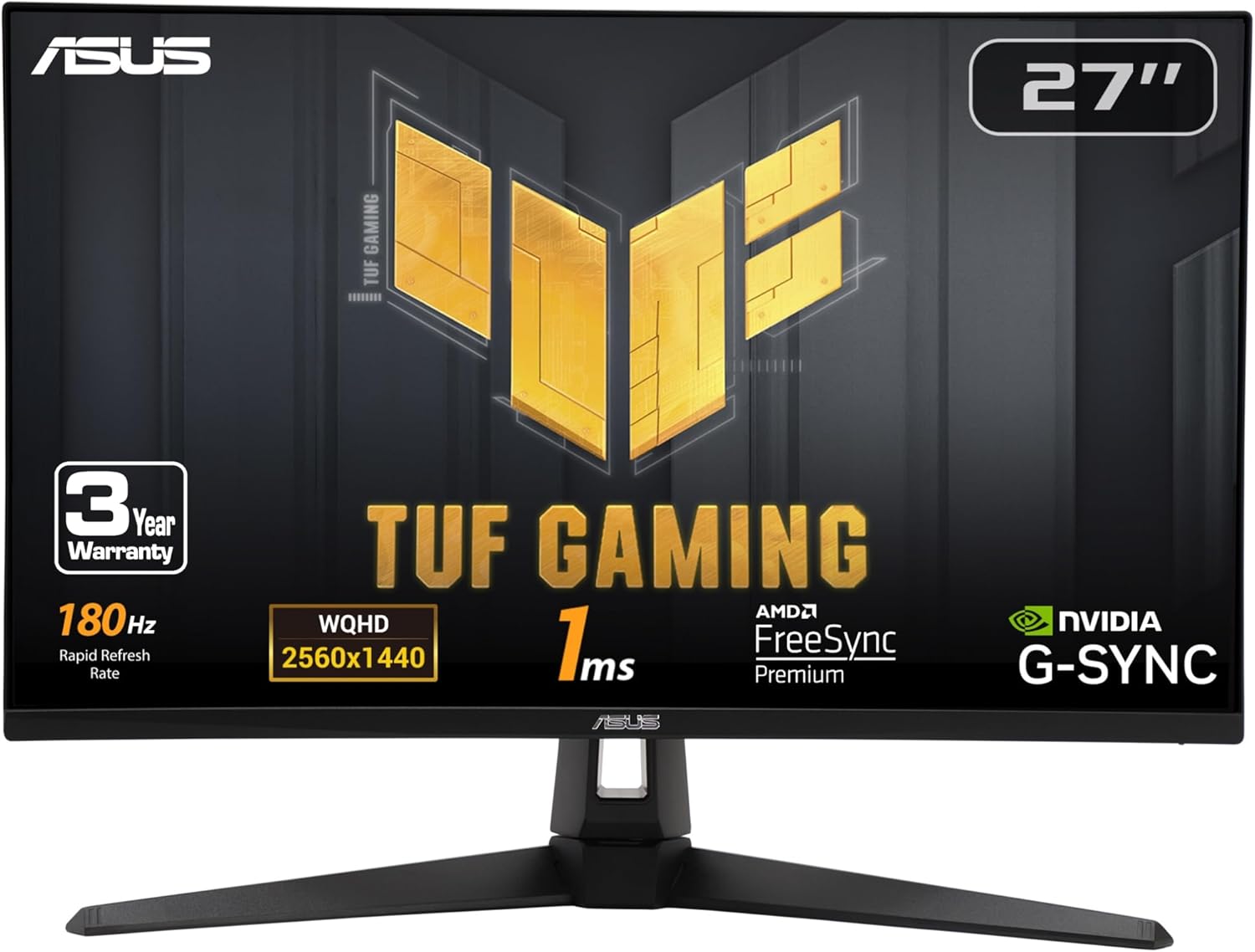
ASUS TUF Gaming VG27AQ3A
ASUS TUF Gaming VG27AQ3A
Pros
- Fast IPS panel with 180Hz and true 1ms response
- 130% sRGB with excellent color accuracy
- ELMB Sync eliminates motion blur without dimming
- Built-in speakers are actually usable
- G-SYNC compatible and FreeSync Premium
Cons
- $300 hits the ceiling of this roundup
- IPS contrast ratio (1000:1) lags behind VA options
- No USB-C or KVM switch
- Stand is functional but plastic-heavy
Price as of Mar 2, 2026 — see current price on Amazon.
The ASUS TUF VG27AQ3A is the monitor to buy if competitive gaming is your priority. The Fast IPS panel delivers legitimate 1ms response times with minimal overshoot, which means moving objects stay sharp without the ghosting artifacts that plague slower panels. In competitive shooters where spotting a moving target against a complex background decides rounds, this panel clarity matters.
ELMB Sync (Extreme Low Motion Blur Sync) is ASUS's backlight strobing technology that works simultaneously with Adaptive Sync. Most monitors force you to choose between variable refresh rate and backlight strobing. The VG27AQ3A runs both at once, giving you tear-free and blur-free gameplay. It does reduce peak brightness slightly, but the clarity improvement is worth it for competitive play.
130% sRGB coverage means colors are vibrant and punchy. For creative work, this oversaturation can be a problem, but ASUS includes an sRGB mode that clamps the gamut to 100% for accurate color work. The switching between gaming and work modes is handled through the OSD, and the preset system saves your configurations.
At $300, it is a harder sell next to the AOC Q27G3XMN at $250. The AOC has better HDR and contrast. But for pure gaming performance, the ASUS's Fast IPS panel and ELMB Sync technology provide smoother, sharper gameplay that the AOC's Mini LED cannot match in fast-paced titles.
How we chose
Each monitor was judged on published specs and independent lab reviews. Gaming performance means response time, ghosting and motion clarity at native 1440p, as reported in UFO motion tests and reviewer results.
Work suitability covers text clarity, factory color accuracy, and features that matter over long sessions, like flicker-free backlights and adjustable stands.
What to look for in a monitor under $300
1440p is the sweet spot. At 27 inches, 1440p delivers 109 pixels per inch, which makes text sharp without needing scaling. 1080p at 27 inches looks fuzzy. 4K at 27 inches requires 150% scaling to read text, negating most of the resolution advantage.
Panel type determines trade-offs. IPS gives you wide viewing angles and fast response. VA gives you deep blacks and high contrast. Mini LED gives you the best of both at a higher price. There is no perfect panel type, only the right one for your priorities.
Refresh rate above 144Hz has diminishing returns. The jump from 60Hz to 144Hz is dramatic. The jump from 144Hz to 165Hz is subtle. From 165Hz to 180Hz, most people cannot tell the difference. Do not pay a premium for refresh rates above 165Hz unless you play competitive shooters at high framerates.
For more monitor recommendations, check our best budget monitors under $200 if you need something cheaper, or our best 4K monitors if you are ready to step up in resolution. If you are building a complete setup, our best gaming monitors guide covers the full price range.
How We Pick
We pick products by combining spec-level research, price checks, trusted third-party benchmarks, and owner sentiment from high-signal sources.
- Performance and real-world value in the category this guide targets
- Price-to-performance and deal consistency over recent pricing windows
- Build quality, reliability patterns, and known long-term issues
- Recommendation refresh cadence to keep these picks current
Author
TheTechSearch Editorial Team
Independent product reviewers & PC builders
We compare real-world specs, reviews and owner reports, price trends, and user feedback to recommend gear that actually makes sense to buy.