Best Monitors for RTX 5060 in 2026
The RTX 5060 is a 1440p card that needs help to fill a fast panel. Five 27-inch 1440p monitors that fit it, led by the ASUS TUF VG27AQ3A. Expert picks, pros...
As an Amazon Associate we earn from qualifying purchases made through our links — this doesn't affect our picks.
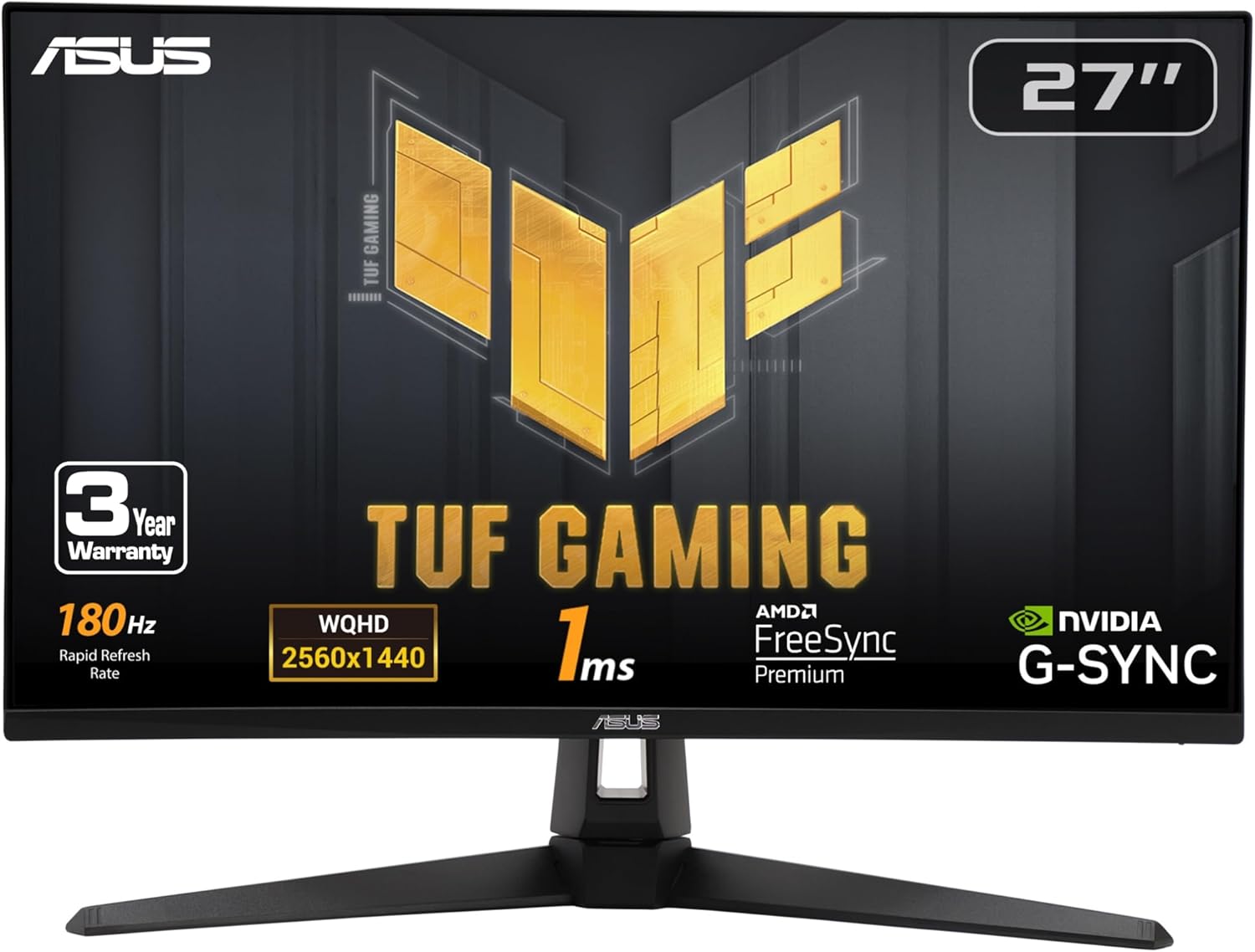
ASUS TUF Gaming VG27AQ3A 27-inch 1440p 180Hz Monitor
Best overall
Price as of Oct 17, 2026 — see current price on Amazon.
In this guide
The ASUS TUF Gaming VG27AQ3A is the monitor to buy for an RTX 5060: a 27-inch 1440p 180Hz Fast IPS panel at $179.00, which leaves money for games. If you play dark single-player games and can spend more, get the Samsung Odyssey OLED G5 G50SF instead, because OLED contrast does more for those games than extra refresh rate.
- Best overall: ASUS TUF Gaming VG27AQ3A: 1440p at 180Hz on a Fast IPS panel with 130% sRGB, and the cheapest pick here.
- Best OLED: Samsung Odyssey OLED G5 G50SF: QD-OLED with a 0.03ms response time, listed well under Samsung's own $499.99 price.
- Best for competitive shooters: LG UltraGear 27GR83Q-B: 240Hz IPS plus a height, tilt and pivot stand.
- Best HDR without OLED: AOC Q27G3XMN: 336 local dimming zones and DisplayHDR 1000, per AOC's spec page.
- Best for color work: MSI G274QPF-QD: a quantum-dot Rapid IPS panel at 170Hz with a USB-C input.
Prices as of October 17, 2026.
| Monitor | Panel | Refresh | Best For | |
|---|---|---|---|---|
| ASUS TUF Gaming VG27AQ3A | Fast IPS | 180Hz | Best overall | Check Price |
| Samsung Odyssey OLED G5 G50SF | QD-OLED | 180Hz | Best OLED | Check Price |
| LG UltraGear 27GR83Q-B | IPS | 240Hz | Competitive shooters | Check Price |
| AOC Q27G3XMN | Mini LED VA | 180Hz | HDR without OLED | Check Price |
| MSI G274QPF-QD | Rapid IPS QD | 170Hz | Color work | Check Price |
All five are 27-inch, 2560x1440 panels. That isn't an accident, and the next section explains why.
What the RTX 5060 actually does at 1440p
Start with the raw numbers, because they shape every pick below. Gamers Nexus benchmarked the RTX 5060 (original MSRP $300, released May 19, 2025) at native 1440p and got 55 fps in Cyberpunk 2077: Phantom Liberty, 46 fps in Black Myth: Wukong, 57 fps in Dragon's Dogma 2 and 91 fps in Resident Evil 4. That's roughly 25 to 31% ahead of the RTX 4060 in those titles, and about level with an RTX 3070.
So natively, in heavy games, this is a 50 to 90 fps card at 1440p. Not 160.
The gap gets filled by DLSS. NVIDIA's RTX 5060 page lists 8GB of GDDR7 on a 128-bit bus and support for DLSS 4 Multi Frame Generation, including the 4X mode on the 50 series. Upscaling raises the real frame rate, and frame generation then multiplies the frames you see on screen. A 55 fps base can turn into a displayed frame rate well past 165Hz.
Here's the catch. Generated frames make motion smoother, but the game still responds at the base frame rate. That's why a 165 to 240Hz panel is the right pairing: it can show everything frame generation produces, while the fast native refresh still helps in esports titles that run at high frame rates without it.
Why not 4K? Gamers Nexus is blunt that "8GB becomes limiting at times, and will increasingly become a limiter." At 4K that ceiling arrives sooner. And 1080p throws away the sharpness a 27-inch screen needs. 1440p is the middle that works.
ASUS TUF Gaming VG27AQ3A: Best Overall for RTX 5060
ASUS TUF Gaming VG27AQ3A 27-inch 1440p 180Hz Monitor
Best for: Best overallPros
- 1440p 180Hz Fast IPS with a 1ms response time
- 130% sRGB coverage and HDR10 support
- ELMB Sync, G-Sync compatible and FreeSync Premium
- Built-in speakers and a three-year warranty
Cons
- HDR10 support is not real HDR: no local dimming
- Built-in speakers are a backup, not a headset replacement
- IPS contrast looks gray next to the OLED pick
Price as of Oct 17, 2026 — see current price on Amazon.
This is the easy call. At $179.00 it costs a fraction of the GPU, and 180Hz is enough headroom for what the RTX 5060 delivers with DLSS on.
The Fast IPS panel is rated at 1ms, so motion stays clean at high refresh rates. The 130% sRGB figure means colors run a little rich out of the box, which most people like in games. ELMB Sync lets you combine backlight strobing with variable refresh, which helps in shooters.
Who should skip it? Anyone who mostly plays dark, slow games. IPS blacks are gray in a dark room, and that's where the Samsung below earns its extra cost.
Samsung Odyssey OLED G5 G50SF: Best OLED
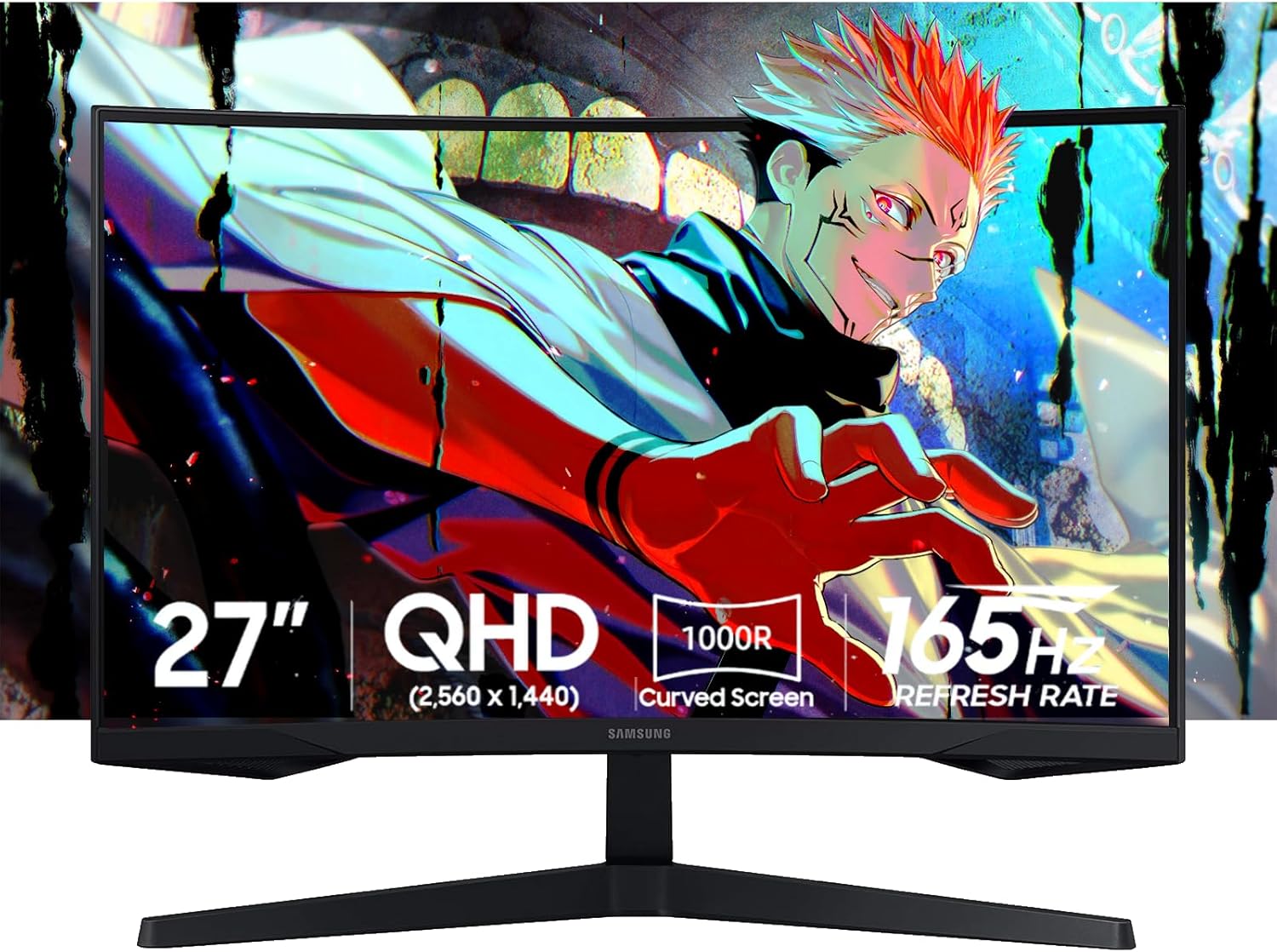
Samsung 27-inch Odyssey OLED G5 G50SF QHD QD-OLED Gaming Monitor
Best for: Best OLEDPros
- QD-OLED with per-pixel contrast
- 0.03ms (GtG) response time
- 180Hz with G-Sync compatible and FreeSync support
- Listed well below Samsung's own $499.99 price
Cons
- Costs more than the RTX 5060 itself
- OLED is less suited to static desktop work all day
- 180Hz tops out lower than the LG's 240Hz
Price as of Oct 17, 2026 — see current price on Amazon.
This one is the upgrade that outlives the graphics card. A GPU gets replaced in a few years. A good OLED panel keeps looking good.
The QD-OLED panel lights each pixel on its own, so black is black and there's no blooming around bright objects. Samsung rates the response time at 0.03ms (GtG), which makes 180Hz look sharper in motion than the same refresh rate on an LCD.
It's listed at $329.99 on Amazon against Samsung's own $499.99. That's still more than most people expect to spend on a monitor for a budget card. Worth it? For Cyberpunk, Alan Wake 2 or anything moody, yes. For eight hours of spreadsheets a day, an IPS panel is the safer pick.
LG UltraGear 27GR83Q-B: Best for Competitive Shooters
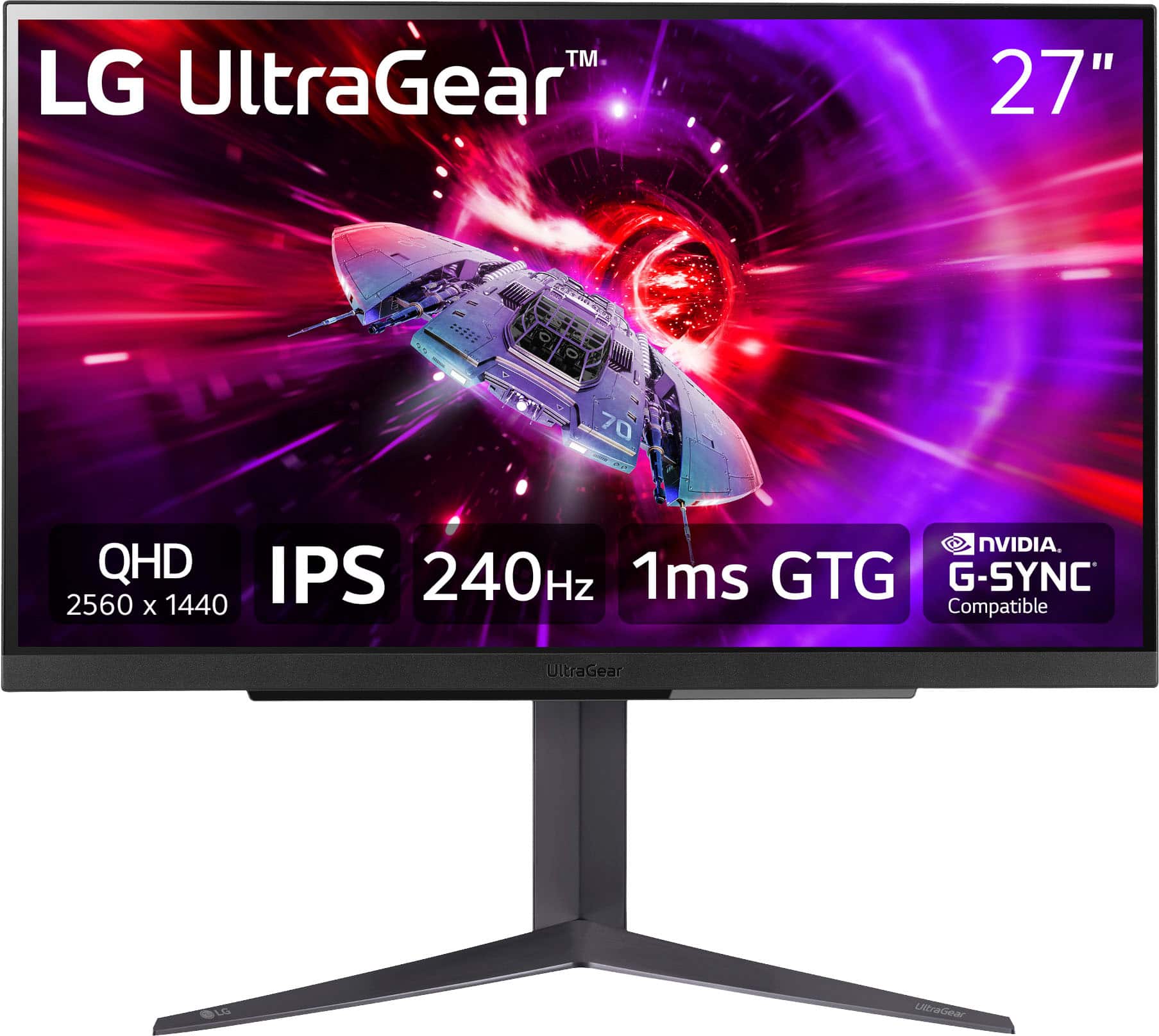
LG UltraGear 27GR83Q-B 27-inch QHD 240Hz IPS Gaming Monitor
Best for: Competitive shootersPros
- 240Hz IPS at 1440p with a 1ms response time
- Tilt, height and pivot stand
- HDMI 2.1 and DisplayPort inputs
- 4-pole headphone out with DTS
Cons
- DisplayHDR 400 only, no local dimming
- 240Hz only pays off in games that run very fast
- IPS blacks are no match for OLED
Price as of Oct 17, 2026 — see current price on Amazon.
The 27GR83Q-B is for people who play Valorant, CS2 or Apex more than anything else. Those games run far lighter than Cyberpunk, so the RTX 5060 can push frame rates where 240Hz actually shows.
At $270.22 it costs less than the Samsung OLED, so the choice between them is clean. Fast shooters go to the LG. Story games go to the Samsung.
The stand handles height, tilt and pivot, which is more than the OLED offers. HDMI 2.1 also makes it a good second screen for a console. HDR is a checkbox here, though: DisplayHDR 400 with no dimming zones won't make HDR look like HDR.
AOC Q27G3XMN: Best HDR Without OLED
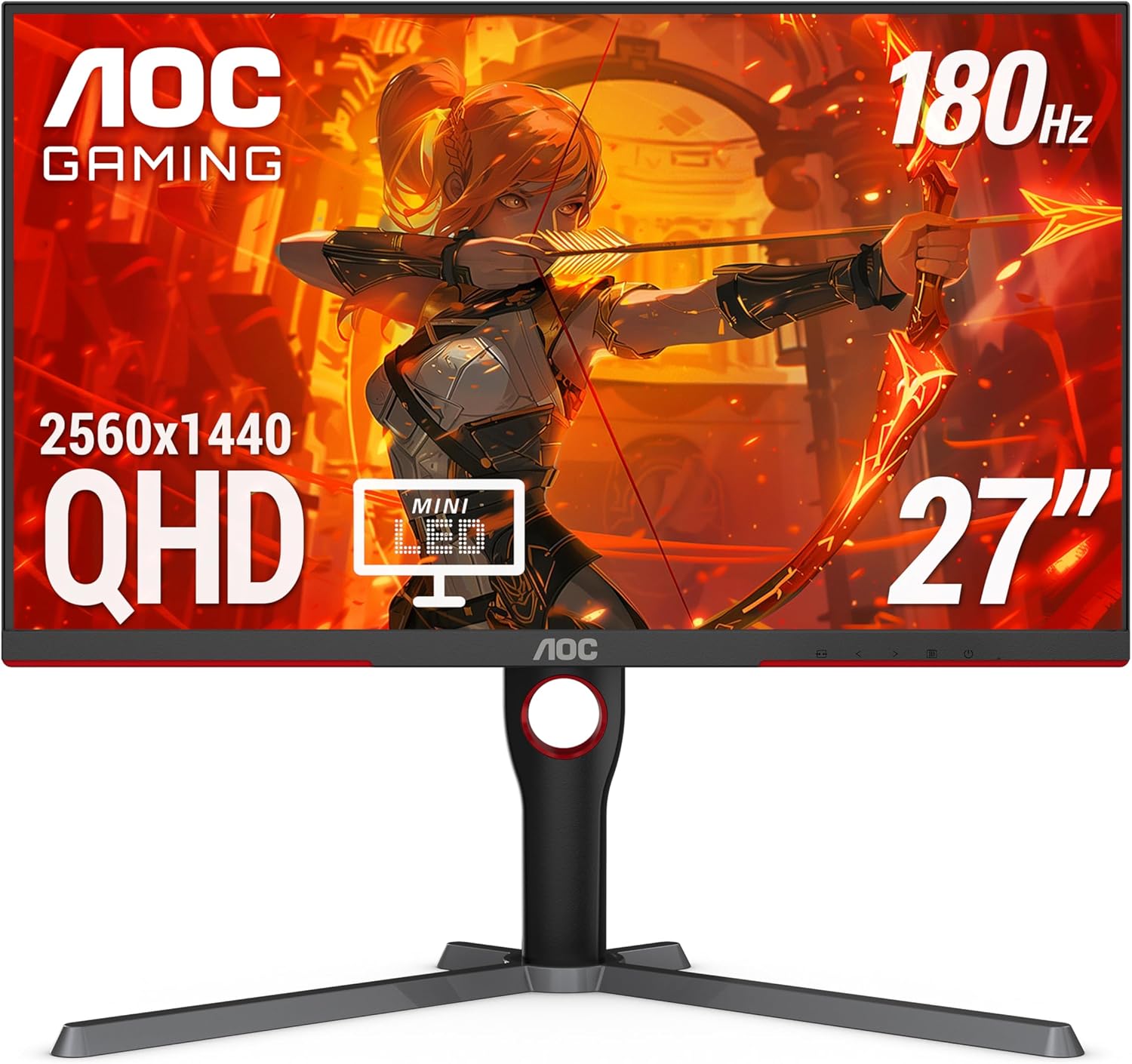
AOC Q27G3XMN 27-inch QHD 180Hz Mini LED Gaming Monitor
Best for: HDR without OLEDPros
- 336-zone Mini LED local dimming
- VESA DisplayHDR 1000 certification
- 180Hz VA panel at 2560x1440
- Height-adjustable stand, HDMI 2.1 and DisplayPort 1.4
Cons
- VA motion is slower than Fast IPS in dark scenes
- Haloing around bright objects on black backgrounds
- Costs more than the LG 240Hz panel
Price as of Oct 17, 2026 — see current price on Amazon.
One note before anything else: the Amazon listing title mentions 3440x1440, but AOC's own spec page lists the Q27G3XMN as 2560x1440. It's a 27-inch 16:9 QHD monitor, not an ultrawide.
What makes it interesting is the backlight. AOC lists 336 local dimming zones and DisplayHDR 1000 certification. On a regular IPS panel, HDR mostly washes the picture out. Here, highlights get bright while the rest of the frame stays dark, so HDR games look the way they were mastered.
The trade is the VA panel. Contrast is far better than IPS, but pixel response in dark transitions is slower, and that can smear in fast shooters. For those, the ASUS or the LG is the better tool.
MSI G274QPF-QD: Best for Color Work
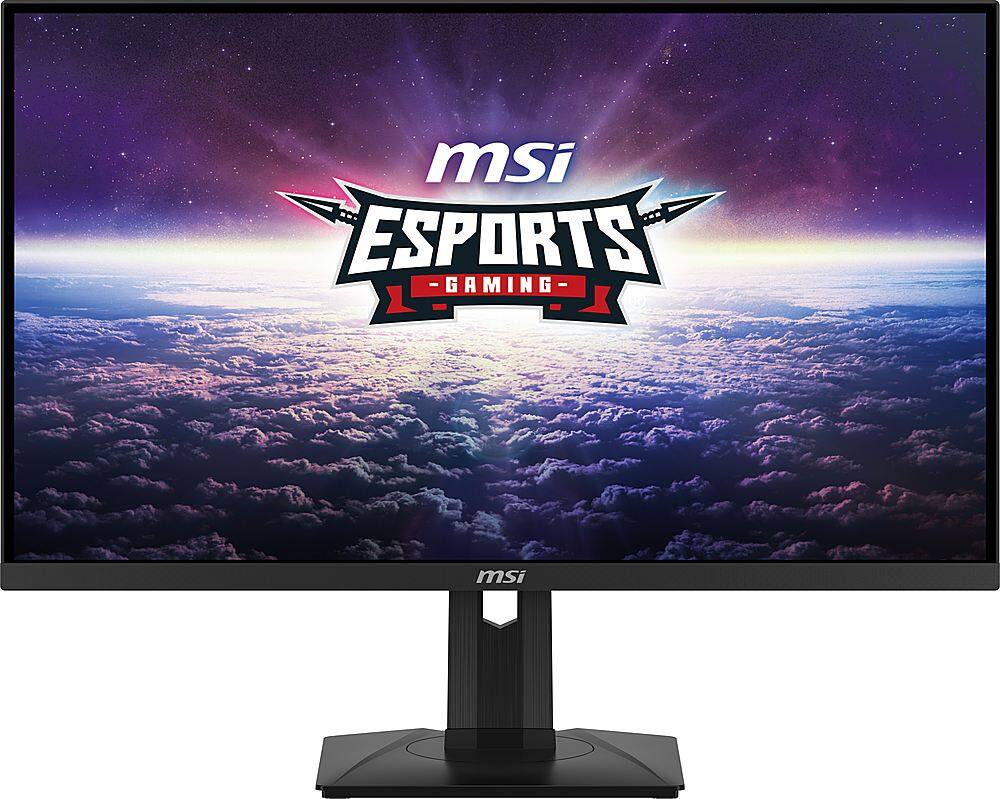
MSI G274QPF-QD 27-inch QHD 170Hz Rapid IPS Quantum Dot Gaming Monitor
Best for: Color workPros
- Quantum-dot layer for a wider color range
- 170Hz Rapid IPS at 2560x1440
- USB-C input for a laptop
- FreeSync Premium
Cons
- HDR400 only: the colors are better than the HDR
- 170Hz is a step below the 180Hz picks
- Costs more than the ASUS for gains most gamers won't notice
Price as of Oct 17, 2026 — see current price on Amazon.
The quantum-dot layer is the reason to pick the MSI. It widens the color range past a standard IPS panel, which matters if you edit photos or video on the same screen you game on.
For pure gaming, the ASUS gets you most of the way for less. Most games aren't mastered for wide-gamut displays, so the extra color shows up mainly as more saturation.
The USB-C input is the other draw. If a work laptop shares the desk, it's one cable instead of an adapter. HDR400 is again a checkbox, so for HDR, the AOC above is the pick.
What to skip
Skip a 4K monitor for this card, even a good one like LG's UltraGear 27GR93U (27-inch, 4K, 144Hz IPS). It's a fine panel. But at 4K the RTX 5060 leans on heavy upscaling in new games, and Gamers Nexus already flags 8GB as a growing limit at lower resolutions. The money is better spent on one of the 1440p panels above, or saved toward a faster GPU.
Skip 1080p as well if you're buying a 27-inch screen. Pixel density drops to the point where text and fine detail look soft, and the RTX 5060 has enough speed for 1440p in most games.
Buying guide
Refresh rate: 165 to 180Hz for most, 240Hz for shooters
With DLSS on, the RTX 5060 can usually show more frames than a 144Hz panel displays, so 165 to 180Hz is the sensible floor. Go to 240Hz only if you mostly play esports titles that run that fast natively.
Panel type follows what you play
Fast IPS is the all-rounder. OLED wins for dark, cinematic games. Mini LED VA is the budget route to real HDR, at some cost in motion clarity.
Variable refresh matters more on this card
Because the RTX 5060's native frame rate swings between 46 and 91 fps in heavy 1440p games (per Gamers Nexus), variable refresh does a lot of work. All five picks list G-Sync compatible or FreeSync Premium support, so frame rate dips won't tear.
Plan around 8GB of VRAM
NVIDIA lists 8GB of GDDR7 for the RTX 5060. When a game runs short, drop texture quality one notch before anything else. It costs less visually than lowering resolution.
Frequently asked questions
- What is the best monitor for the RTX 5060?
- The ASUS TUF Gaming VG27AQ3A is the best monitor for most RTX 5060 owners. It's a 27-inch 1440p 180Hz Fast IPS panel at $179.00, and 180Hz matches what the card delivers with DLSS on.
- Is the RTX 5060 good for 1440p?
- Yes, with DLSS turned on. Gamers Nexus measured 46 to 91 fps at native 1440p in heavy games like Black Myth: Wukong and Resident Evil 4, and DLSS upscaling plus frame generation lifts that further.
- Should I get a 4K monitor for an RTX 5060?
- No, 1440p is the better match. The card has 8GB of video memory, which Gamers Nexus calls a growing limit, and 4K forces heavy upscaling in new games.
- Is OLED worth it with an RTX 5060?
- Yes, if you play dark single-player games and can spend more on the monitor than the card. The Samsung Odyssey OLED G5 G50SF at $329.99 gives per-pixel contrast that no IPS panel here can match.
- Do I need 240Hz with an RTX 5060?
- Only for competitive shooters. In Valorant or CS2 the card runs fast enough for 240Hz to show, which is why the LG UltraGear 27GR83Q-B is the pick for those players.
Bottom line
Buy the ASUS TUF Gaming VG27AQ3A. At $179.00 it gives the RTX 5060 a 1440p 180Hz panel that matches what the card can do with DLSS, and the money you save buys games. Step up to the Samsung Odyssey OLED G5 G50SF only if dark, cinematic games are most of what you play.
How We Pick
We pick products by combining spec-level research, price checks, trusted third-party benchmarks, and owner sentiment from high-signal sources.
- Performance and real-world value in the category this guide targets
- Price-to-performance and deal consistency over recent pricing windows
- Build quality, reliability patterns, and known long-term issues
- Recommendation refresh cadence to keep these picks current
Author
TheTechSearch Editorial Team
Independent product reviewers & PC builders
We compare real-world specs, reviews and owner reports, price trends, and user feedback to recommend gear that actually makes sense to buy.