Best Laptops for Video Editing 2026
The best laptops for video editing in 2026, ranked on how they handle Premiere Pro, DaVinci Resolve, and Final Cut Pro across 4K and 8K workflows. Expert pic...
As an Amazon Associate we earn from qualifying purchases made through our links — this doesn't affect our picks.
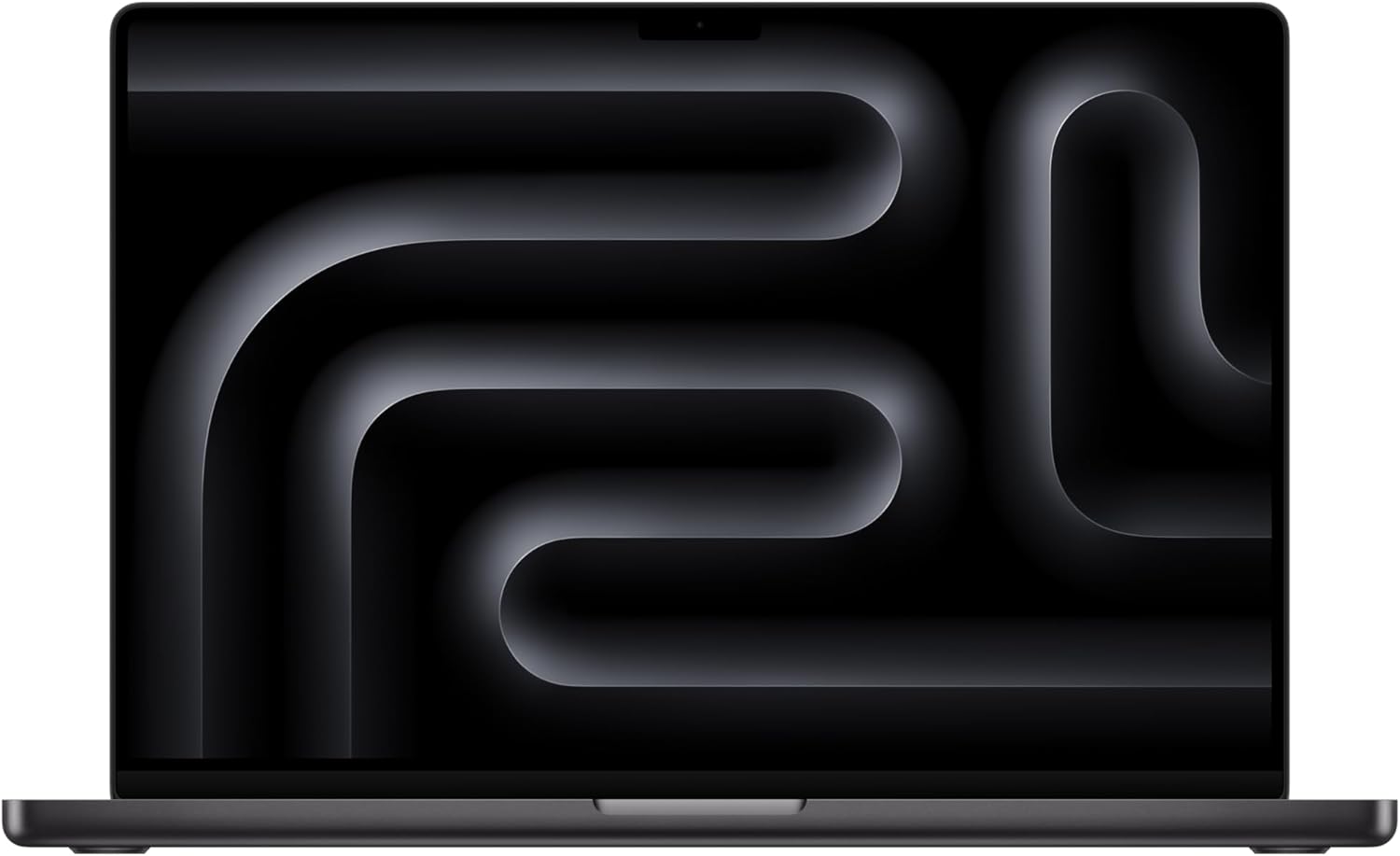
Apple MacBook Pro 14 M4 Pro (48GB, 512GB)
Our top recommendation for this category
Price as of Mar 2, 2026 — see current price on Amazon.
Video editing is one of the few tasks that will push any laptop to its limits. Rendering a 20-minute 4K timeline with color grading, effects, and multicam footage separates the capable machines from the marketing hype faster than any benchmark.
The picks below are ranked on three things: export speed, smooth scrubbing at full resolution, and whether the machine holds its clocks through a long render. Those come from spec sheets and published reviews, not marketing copy.
The price range here runs from $1,500 to $3,500. That sounds steep, but a laptop that chokes on 4K footage costs you hours of waiting per project. If video editing is your job or a serious side hustle, the investment pays for itself in time saved.
Quick comparison
| Laptop | CPU | GPU | RAM | Display | Price | |
|---|---|---|---|---|---|---|
| MacBook Pro 14 M4 Pro | M4 Pro 14-core | 20-core GPU | 48GB | 14.2" XDR | $1,999 | Check Price |
| MacBook Pro 16 M4 Max | M4 Max 14-core | 32-core GPU | 36GB | 16.2" XDR | $3,499 | Check Price |
| ASUS ProArt Studiobook 16 | i9-13980HX | RTX 4060 | 16GB | 16" 3.2K OLED | $1,799 | Check Price |
| Dell XPS 14 | Core Ultra | Intel Arc | 16GB | 14.5" FHD+ | $1,699 | Check Price |
| HP OMEN MAX 16 | Core Ultra 9 | RTX 5080 | 32GB | 16" WQXGA | $2,499 | Check Price |
Apple MacBook Pro 14 M4 Pro
Apple MacBook Pro 14 M4 Pro (48GB, 512GB)
Pros
- Final Cut Pro runs natively and flies
- 48GB unified memory handles complex timelines
- Silent under moderate load, quiet under heavy load
- XDR display is reference-grade for color work
- 22-hour battery life for non-editing tasks
Cons
- 512GB base storage fills fast with video files
- No expandable storage
- Only 3 Thunderbolt ports plus HDMI
- Final Cut Pro is macOS only
Price as of Mar 2, 2026 — see current price on Amazon.
The M4 Pro MacBook Pro is the best laptop for most video editors. Not because Apple silicon is magic, but because the unified memory architecture handles video editing workloads with remarkable efficiency. 48GB of unified memory means the CPU and GPU share the same memory pool without copying data between them, which eliminates one of the biggest bottlenecks in timeline scrubbing and rendering.
Apple's media engine handles H.264, HEVC and ProRes in hardware, which is why 4K multicam timelines stay smooth in Premiere Pro and DaVinci Resolve. Final Cut Pro, built for Apple silicon, is the fastest of the three on this machine.
The XDR display covers the full DCI-P3 color gamut with 1,600 nits peak HDR brightness. For color grading work, this is as close to a reference monitor as you will get built into a laptop. Most external monitors under $2,000 cannot match it.
Fan noise is the real differentiator. Under sustained Premiere Pro exports, the M4 Pro stays nearly silent. Comparable Windows laptops with dedicated GPUs spin up to jet-engine levels under the same load. If you edit in coffee shops or shared offices, this matters more than benchmark numbers suggest.
The 512GB base storage is the one real weakness. 4K footage eats storage fast, and you cannot upgrade it later. Budget for an external SSD from day one.
Apple MacBook Pro 16 M4 Max
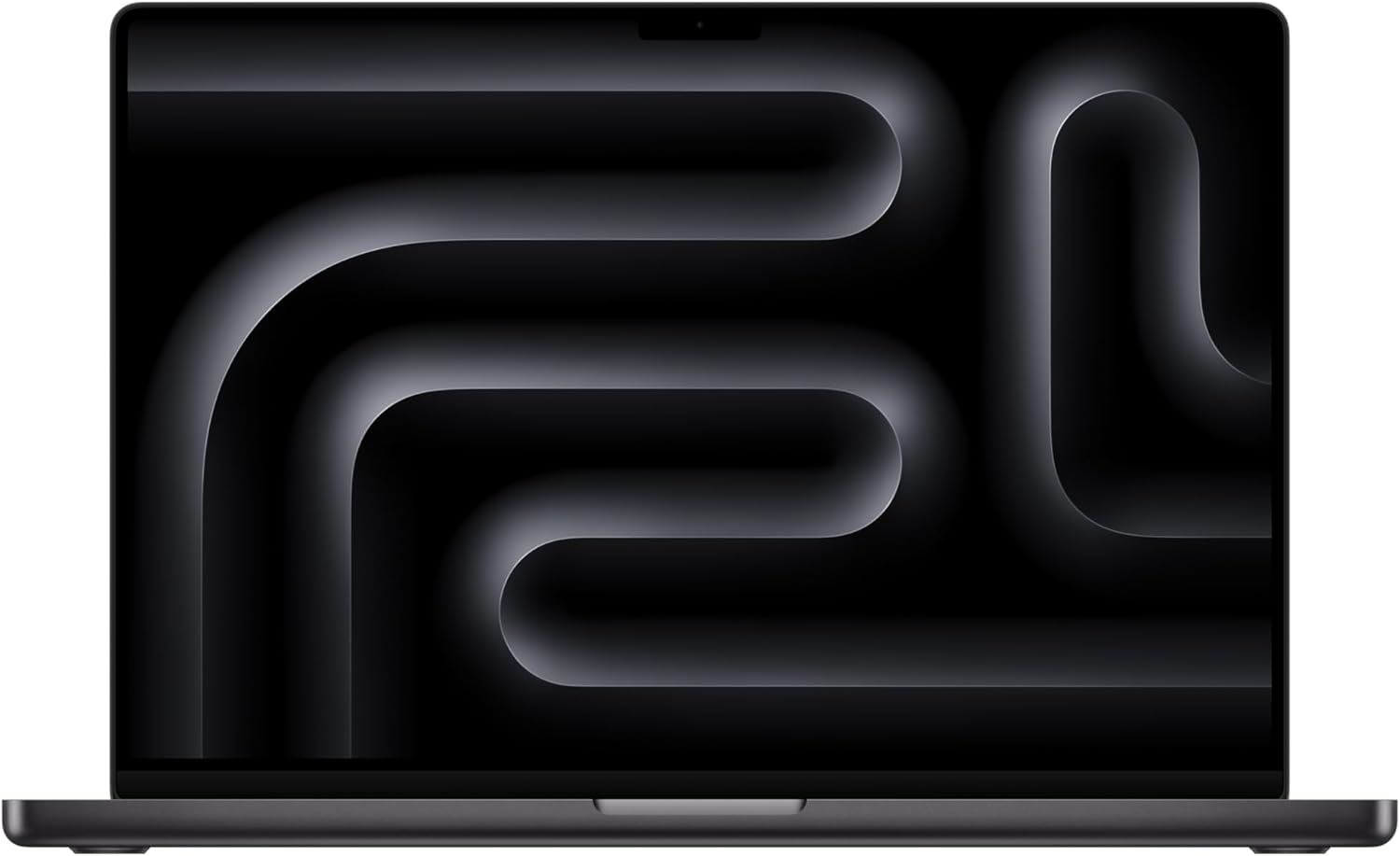
Apple MacBook Pro 16 M4 Max (36GB, 1TB)
Pros
- Handles 8K footage without proxy workflows
- 32-core GPU accelerates Resolve and After Effects
- 16.2-inch display gives more timeline space
- 1TB base storage is more reasonable
- Up to 48GB or 128GB unified memory configs
Cons
- $3,499 starting price is hard to justify for 4K-only work
- Heavier at 4.8 lbs
- Overkill for basic editing
- Same thermal design runs slightly warmer than 14-inch
Price as of Mar 2, 2026 — see current price on Amazon.
The M4 Max is for editors who have hit the ceiling of the M4 Pro. If your timelines regularly include 8K RED footage, multicam sequences with 6+ angles, or complex After Effects compositions with nested 3D layers, the M4 Max provides headroom the Pro cannot.
The 32-core GPU makes a measurable difference in GPU-accelerated effects in DaVinci Resolve. Color grading with multiple nodes and Power Windows that cause the M4 Pro to stutter play back smoothly on the Max. After Effects motion graphics work also benefits from the extra GPU cores and memory bandwidth.
The 16.2-inch display gives you meaningfully more timeline real estate. When cutting in Premiere or Resolve, the extra 2 inches of screen width translates to a longer visible timeline and more room for the effects panel without switching to a second monitor.
For 4K-only editing, the M4 Pro is the smarter purchase. You are paying $1,500 extra for performance headroom you may not need. But for professional workflows involving high-resolution footage, multicam, and heavy effects work, the M4 Max justifies its price in export time savings alone.
ASUS ProArt Studiobook 16
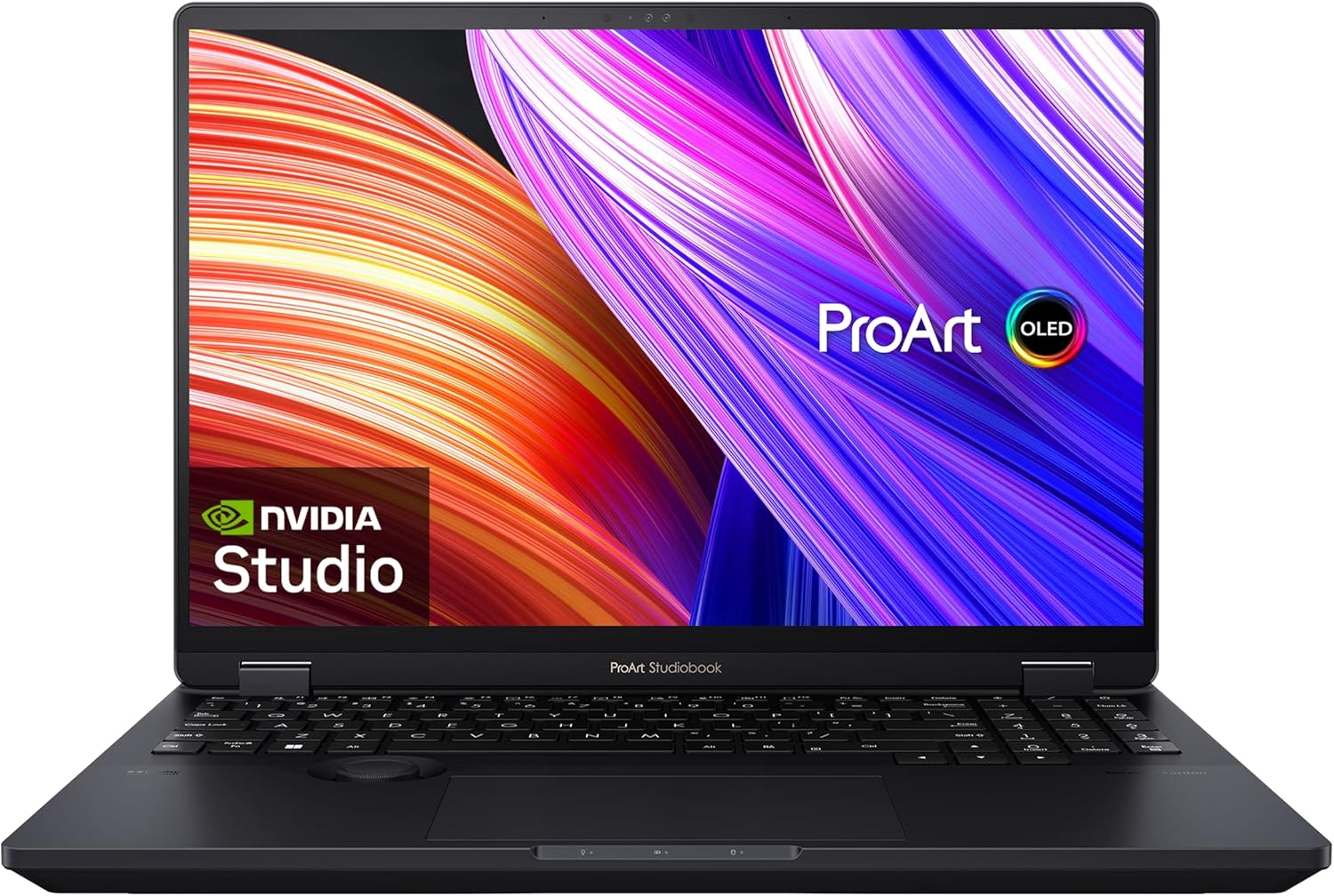
ASUS ProArt Studiobook 16 OLED
Pros
- 3.2K OLED touch display with Pantone validation
- ASUS Dial physical control for creative apps
- i9-13980HX is fast for CPU-bound renders
- RTX 4060 handles hardware-accelerated encoding
- SD card reader and full-size HDMI
Cons
- Fan noise under load is noticeable
- 16GB RAM is tight for complex timelines
- Battery life is 5-6 hours for editing
- Heavier at 5.3 lbs
Price as of Mar 2, 2026 — see current price on Amazon.
The ProArt Studiobook is ASUS's answer to the MacBook Pro for Windows editors. The 3.2K OLED display is Pantone validated with Delta E under 2, meaning the colors you see while editing are accurate enough for professional delivery. OLED provides true blacks and higher contrast than any IPS panel, which makes a visible difference when grading footage with dark scenes.
The ASUS Dial is a physical rotary control built into the trackpad area. It maps to timeline scrubbing, brush size in Photoshop, and various controls in Premiere and Resolve through ProArt Creator Hub software. It sounds gimmicky, but scrubbing timelines with a physical dial can feel more precise than a scroll wheel or trackpad gesture.
The RTX 4060 handles hardware-accelerated H.264 and H.265 encoding, which cuts export times significantly compared to CPU-only rendering. NVENC hardware encoding in Premiere is the main reason this machine punches above its price on exports.
The 16GB RAM limitation is the biggest concern. Complex Premiere timelines with multiple layers of effects and color grading can push past 16GB, causing disk caching that slows everything down. If ASUS offered a 32GB configuration at a reasonable price, this would rank higher.
Dell XPS 14
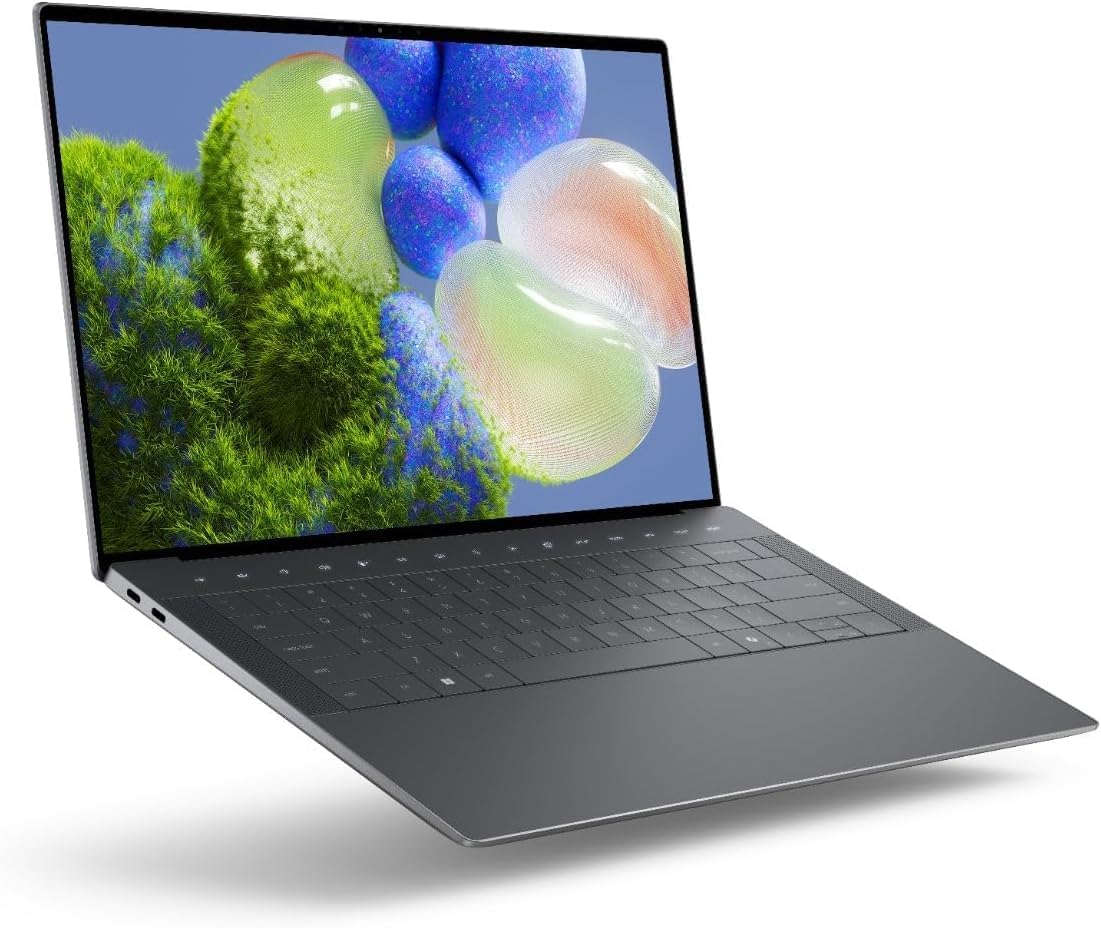
Dell XPS 14 (2025)
Pros
- Lightweight at 3.6 lbs for a 14-inch editor
- Gorgeous build quality with machined aluminum
- Gorilla Glass 3 palm rest
- Thunderbolt 4 for external GPU options
- Decent speakers for playback review
Cons
- Intel Arc integrated graphics limit GPU-accelerated effects
- 16GB RAM ceiling on base model
- FHD+ display is not ideal for color work
- Export times lag behind dedicated GPU laptops
Price as of Mar 2, 2026 — see current price on Amazon.
The Dell XPS 14 is not a video editing powerhouse. It is on this list because it represents the minimum viable laptop for editors who prioritize portability over raw performance. At 3.6 lbs with a compact footprint, it goes places the 5+ lb workstations cannot.
Intel Arc integrated graphics handle basic 1080p and simple 4K editing in Premiere without major issues. Color correction, basic transitions, and title overlays work fine. The problems start with GPU-accelerated effects like Lumetri color scopes on complex grades, where the integrated GPU struggles compared to a dedicated RTX card.
For freelance editors who do light editing on location and heavy work back at a desk with an external monitor and eGPU, the XPS 14 makes sense. The Thunderbolt 4 ports support external GPU enclosures, which transform it into a capable editing station when docked.
If you know you will be editing 4K multicam footage regularly, skip this and go with the MacBook Pro 14 or the ProArt Studiobook. But if you need a laptop that edits and also travels without breaking your back, the XPS 14 fills that gap.
For a similar experience at a lower price, our best laptops for programming guide covers machines that handle light creative work too.
HP OMEN MAX 16
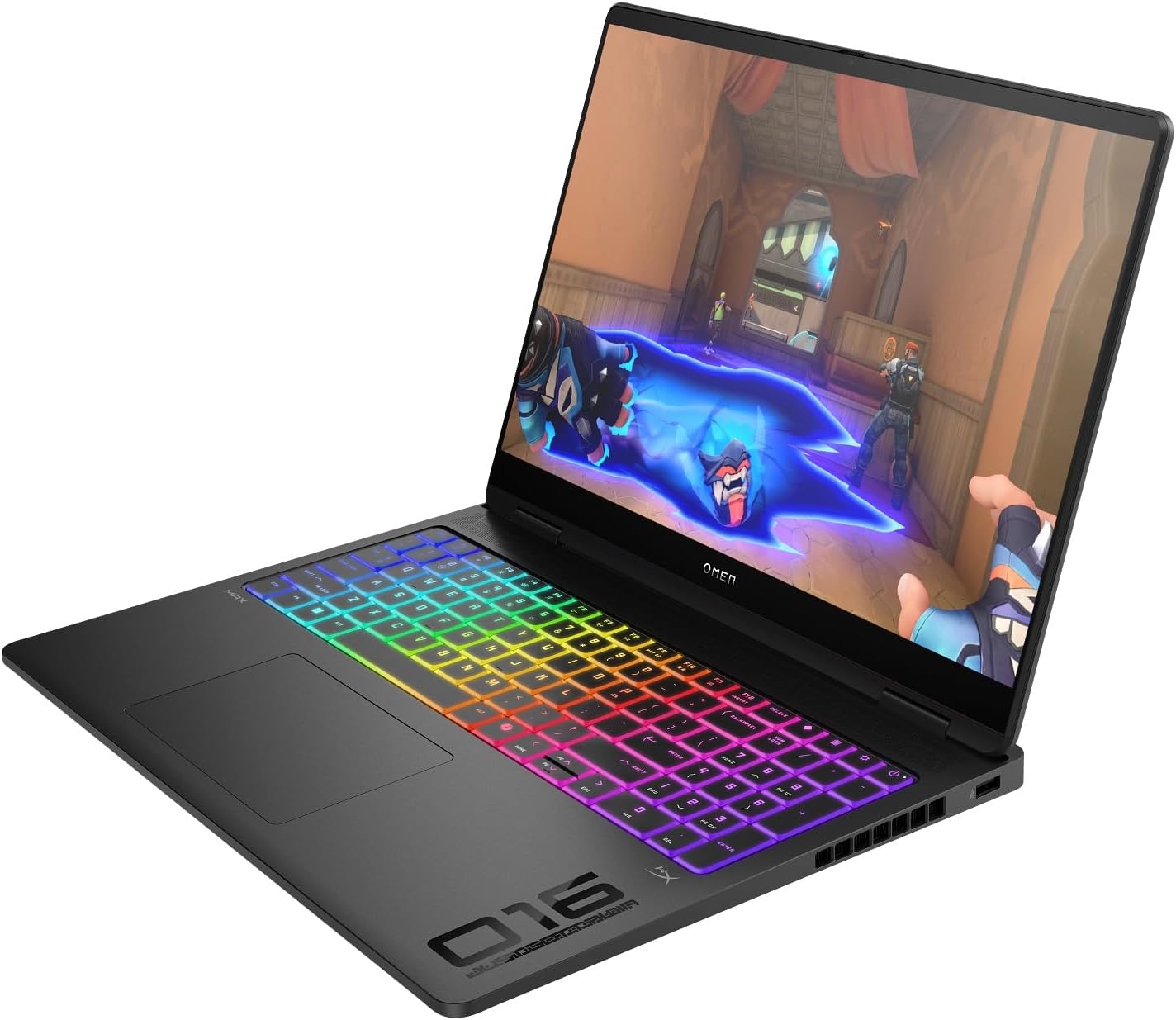
HP OMEN MAX 16 (RTX 5080)
Pros
- RTX 5080 is the fastest mobile GPU available
- 32GB DDR5 RAM handles any timeline
- WQXGA 240Hz display is sharp and fast
- Strong cooling system keeps sustained performance high
- Good keyboard and trackpad for a gaming chassis
Cons
- Gaming laptop design is not subtle
- Battery life is 3-4 hours under editing load
- Weighs 5.5 lbs
- Fan noise under full GPU load is loud
Price as of Mar 2, 2026 — see current price on Amazon.
The OMEN MAX 16 is technically a gaming laptop, but the RTX 5080 makes it the fastest Windows option here for GPU-accelerated video work. DaVinci Resolve leans heavily on GPU compute for color grading and effects, and the RTX 5080 has far more of it than the RTX 4060 in the ProArt Studiobook.
32GB DDR5 RAM means complex Premiere timelines with multiple layers of 4K footage will not hit memory walls. The Core Ultra 9 CPU handles CPU-bound tasks like audio encoding and stabilization processing without breaking a sweat.
The trade-offs are classic gaming laptop problems. It is heavy, loud under load, and the battery dies fast during editing sessions. The design screams "gamer" rather than "professional," which may or may not matter to you. But if raw render speed is your priority and you always work plugged in, the OMEN MAX 16 delivers more GPU power per dollar than anything else on this list.
The 240Hz display refresh rate is wasted on video editing, but the WQXGA resolution (2560x1600) provides enough pixel density for comfortable timeline work. Color accuracy is decent but not Pantone validated, so you will want an external monitor for final color grading.
How we chose these laptops
Each laptop was judged on what matters for editing in Premiere Pro, DaVinci Resolve and Final Cut Pro (where applicable): export speed, real-time playback at full resolution, and thermal throttling during sustained renders, drawn from manufacturer specs and published reviews. Battery life was weighed for active editing, not web browsing.
Color gamut coverage against DCI-P3 and sRGB, factory calibration, and fan noise under load were also part of the ranking.
What matters for video editing laptops
RAM is the bottleneck most people miss. 16GB works for simple cuts. Anything involving multicam, effects stacking, or color grading needs 32GB or more. Unified memory on Apple silicon is more efficient than traditional RAM, so 48GB unified roughly equals 64GB traditional for video work.
GPU acceleration cuts export times in half. Premiere and Resolve both offload encoding to GPU hardware encoders. An RTX 4060 with NVENC will export the same timeline 2x faster than a CPU-only render on a comparable processor.
Display quality affects your output. If your laptop display shows inaccurate colors, your final video will look different on every other screen. DCI-P3 coverage above 95% and Delta E under 3 are the minimum for color-sensitive work.
Check out our best gaming laptops guide if you want a machine that handles both creative work and gaming, or our best external SSDs for the fast storage that video projects demand.
How We Pick
We pick products by combining spec-level research, price checks, trusted third-party benchmarks, and owner sentiment from high-signal sources.
- Performance and real-world value in the category this guide targets
- Price-to-performance and deal consistency over recent pricing windows
- Build quality, reliability patterns, and known long-term issues
- Recommendation refresh cadence to keep these picks current
Author
TheTechSearch Editorial Team
Independent product reviewers & PC builders
We compare real-world specs, reviews and owner reports, price trends, and user feedback to recommend gear that actually makes sense to buy.